 Day One Fixes
SolvedHow-toUpdated
Digimon Story Time Stranger: Japanese Names & Terminology (Undub)
Short answer
A mod for those who dislike the dub changes and favor the original names and terminology.
Steam Community guide by Geo.
Summary
In case anyone dislikes the dub terminology as I do, I've slapped together a mod that alters a few things to be faithful to their original Japanese versions.
Note that this mod only changes the English text. If you play in any other language, it won't do anything for you. Sadly, I won't be able to make versions for other languages.
Changes
- Digimon names (DemiDevimon → PicoDevimon, etc).
- Evo stage names (Rookie → Child, etc).
- Attack names (Pepper Breath → Baby Flame, etc).
- Terminology (Digivolve → Evolve, DNA → Jogress, Digi-Egg → Digimental, etc).
- Numerous fixes for official mistranslations.
- Various other changes improving overall text quality.See this Google Sheet[docs.google.com]for the full list of changes.
Screenshots
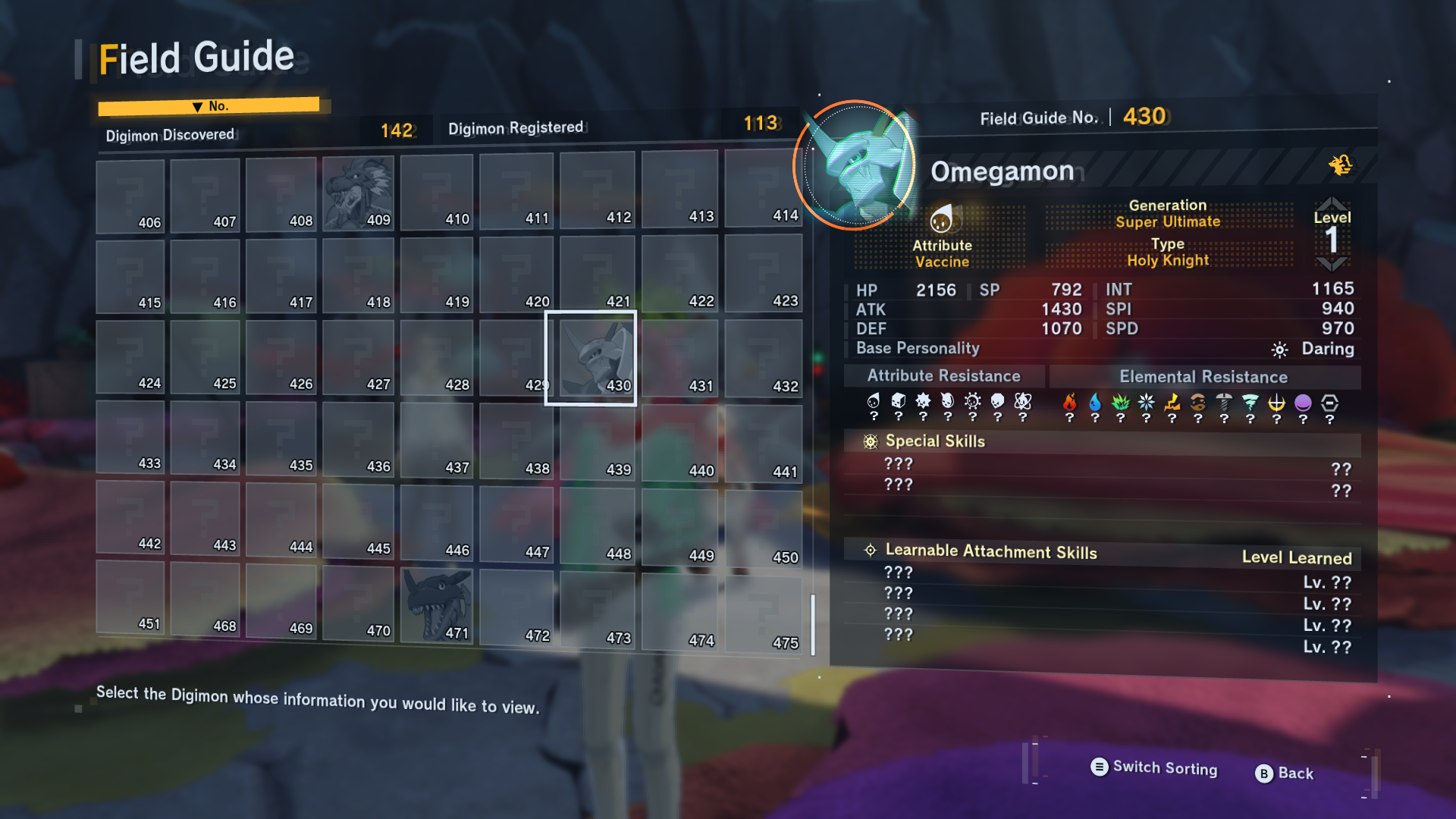
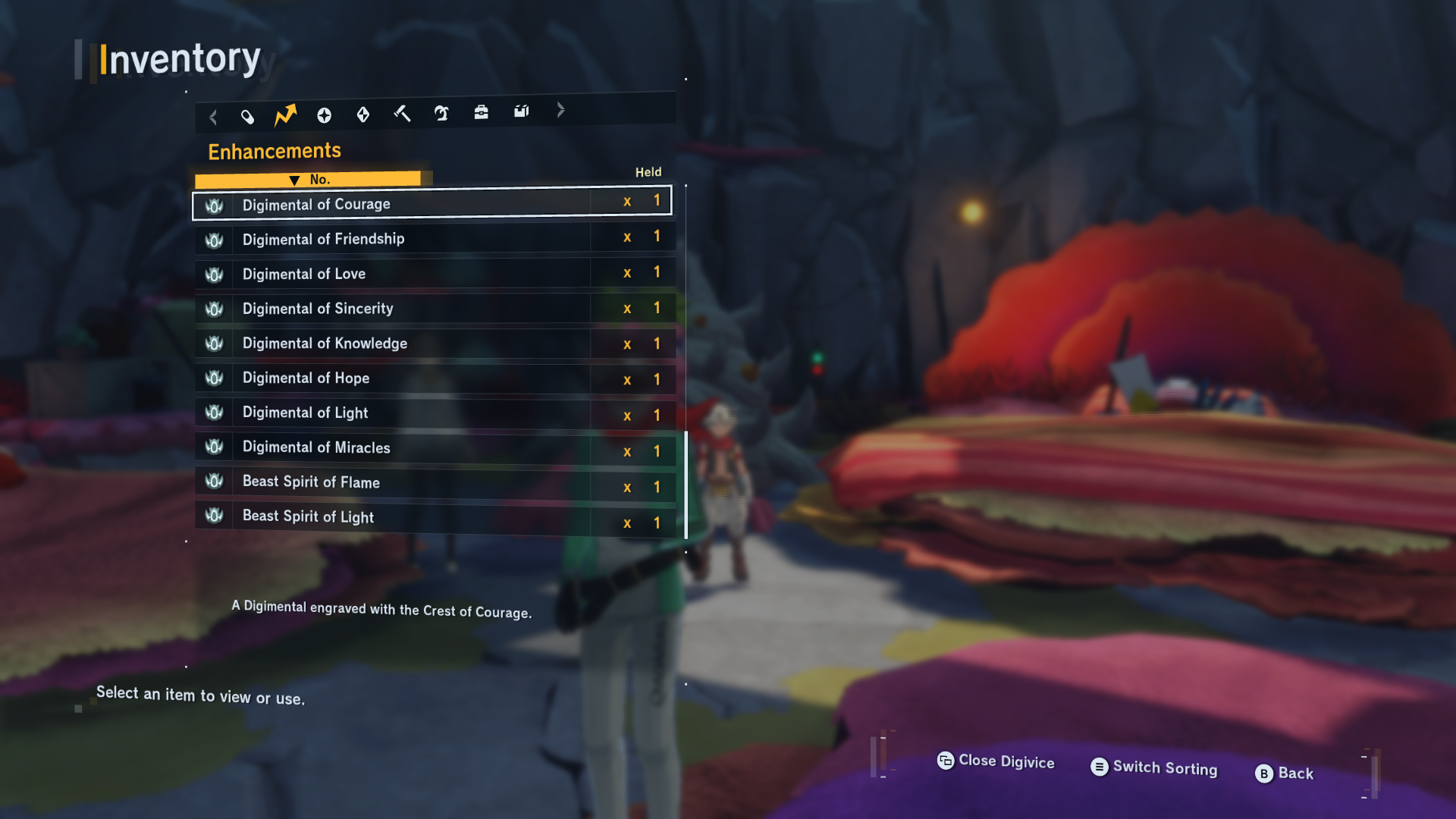
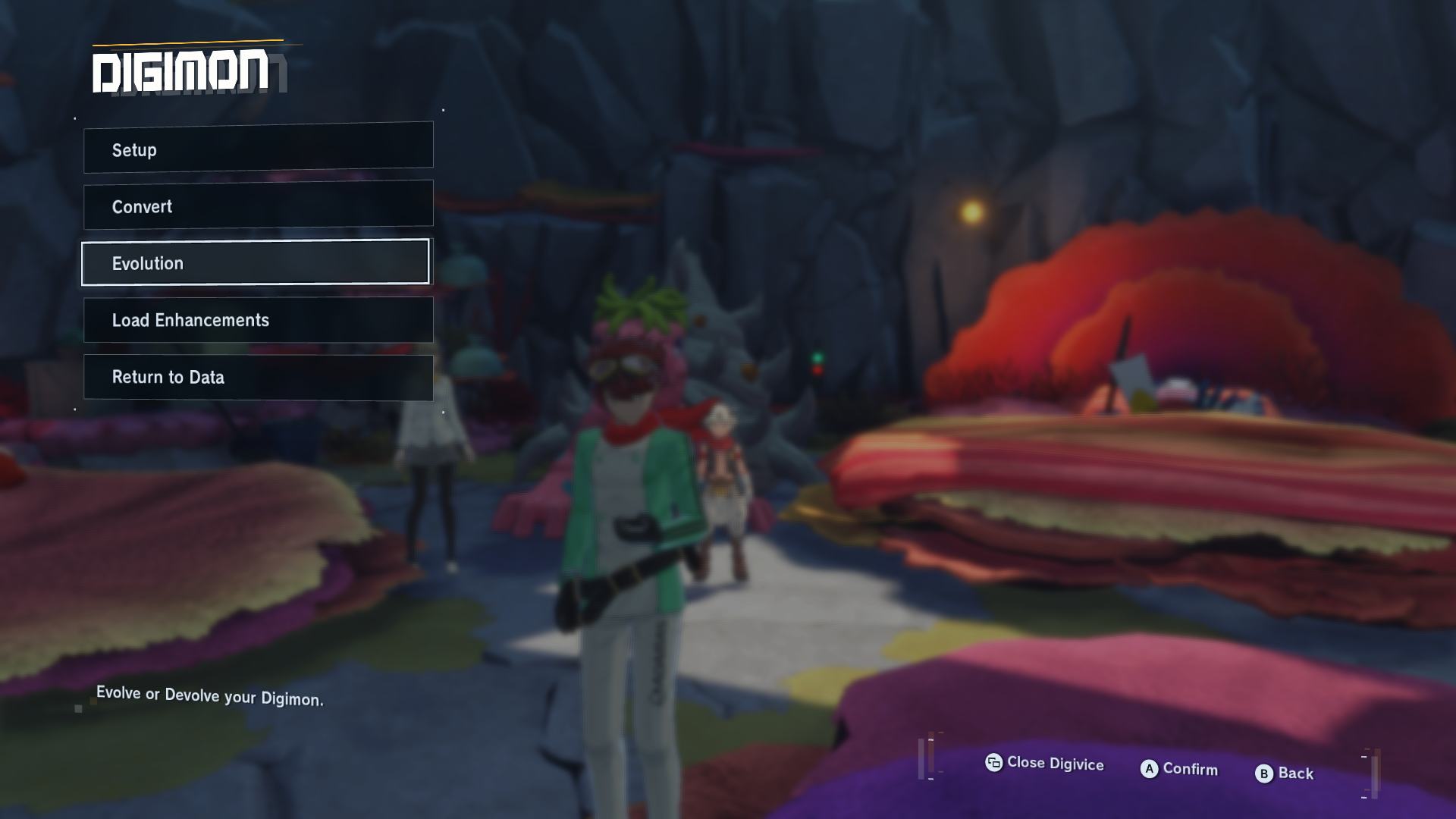
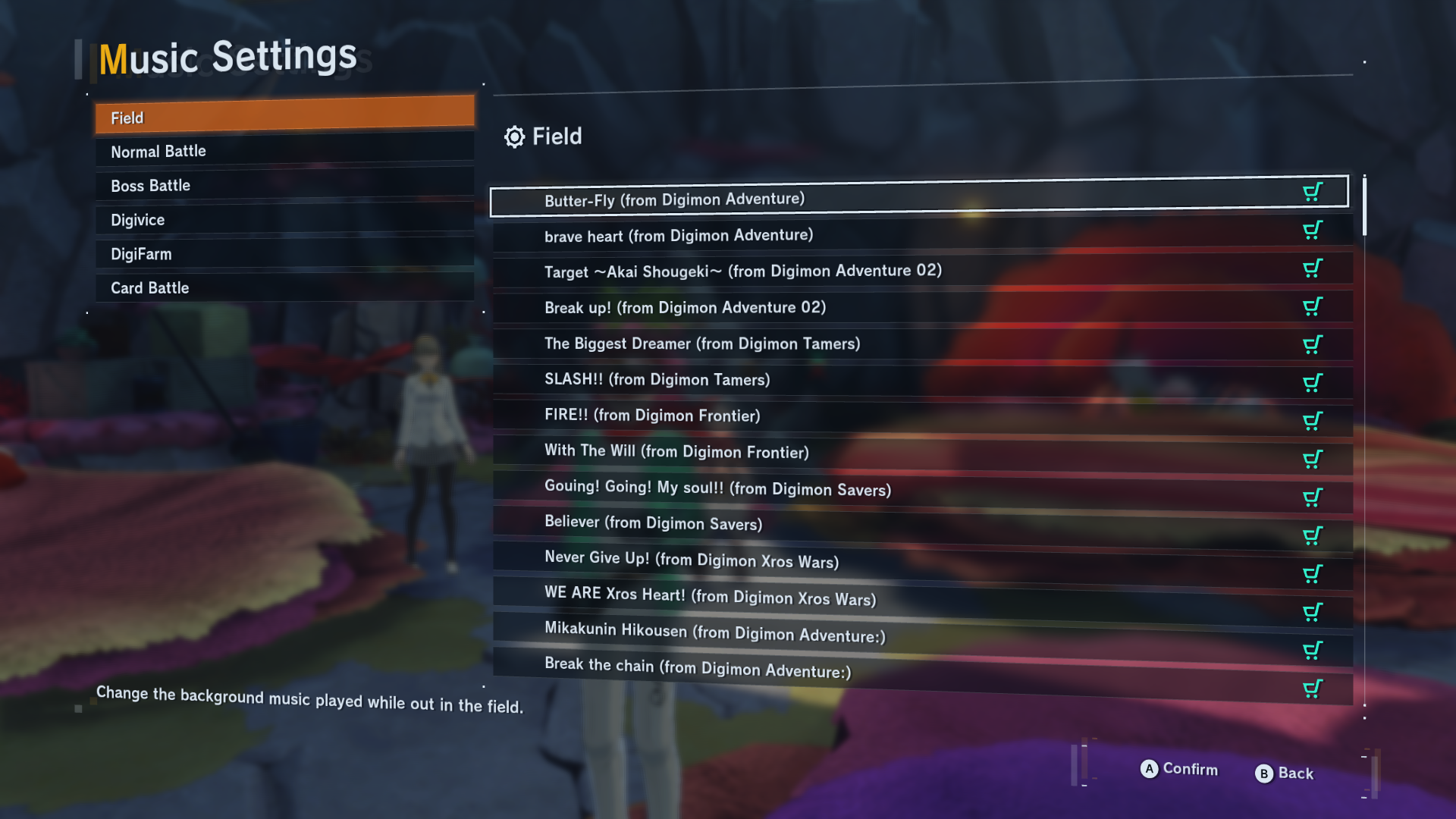
Download
- For the full game: DSTS Undub[www.mediafire.com]
- For the demo: DSTS Demo Undub[www.mediafire.com]
Installation
- Make sure the game is not running.
- In your Steam Library, right-click your game and select Manage → Browse local files to open the folder where the game is stored.
- In the folder that opened, open the gamedata subfolder.
- Extract all the .mvgl files from the downloaded archive into the gamedata subfolder, overwriting the files of the same names (if you want, make a backup of the original files before doing this).
- Start the game and enjoy it with original names and terminology.
Uninstallation
- Make sure the game is not running.
- If you have a backup of your original files, put them back in their place, overwriting the modded files, and that's it (you can stop reading this section).
- If you don't have a backup (or if your backup is too old and doesn't work well with the current updated version of the game), right-click the game in your Steam Library and select Properties.
- In the window that opened, go to the Installed Files tab and click Verify integrity of files.
- Steam will then check all the files and redownload those that are not original, thus restoring the game to stock.
- Be warned: this may remove all the mods for the game, in case you have additional ones installed, so plan your actions accordingly.
"Some of my Digimon still have dub names!"
The game saves all Digimon names (even the default ones) to the save file as nicknames. This means Digimon you had prior to installing the mod have their dub names saved. This is easily fixed by resetting the names of the affected Digimon.
Go to Digivice → Digimon → Setup → highlight the affected Digimon → Equipment/Skills → Change Name → Restore Default.
You will have to do this to every affected Digimon you care about. All newly acquired Digimon will have undubbed names from the get-go.
Contributors
- Geo: the main bulk of editing work.
- SydMontague: creating the tool that makes this possible.
- omegalucas: tons of corrections, including most of the attack names, and cleaning up Digimon profiles.
- Danneth: various corrections.
- メカクマ: various corrections.
- RPGLover88: correcting some attack names.
- Wikimon: most of the translated attack names.