SolvedFixUpdated · 0 replies on Steam

Slotbound Known Bugs and Workarounds: Tunnel, Boss AI, Fate Stone, Cores, Launch Errors

Short answer

Most Slotbound "bugs" have a workaround: avoid Tunnel on slow bosses, check upgrades for Anchored Stance, do not count Jesters for Twin Fate, do not combine Cycle Bell with Jester Candle, and whitelist the game exe if it will not start after an update.

Quick answer

Bug Workaround
Tunnel fails on wave 20 of Crimson Hell (boss) Do not rely on Tunnel against slow bosses (frost dragon and others)
Healer or priest stays idle on boss wave It has Anchored Stance from an upgrade. Check traits before upgrading
Twin Fate stone ignores Jesters Jesters do not count as a family. Do not pick it for Jester builds
Cycle Bell + Jester Candle Jester symbol effect stops. Do not run both together
Invincible units Two Undying units + Seraph / Celestial revives. Happens in your favour; no fix needed
Fire Fighter fire not appearing across the rift Target out of range on the Split Space field
Crooked Fang reposition does not trigger Resonant Anvil Make the line without the reposition
Rune stone "2 skills to level 3 on 2 units" Does not count a skill raised from level 1. Raise skills already at level 2
Chain imbue (Gunslinger) shows no extra damage Reported, not confirmed. Use another imbue
Game will not start after an update Antivirus blocks the new exe. Whitelist it or wait a few hours

Tunnel on wave 20 (Crimson Hell)

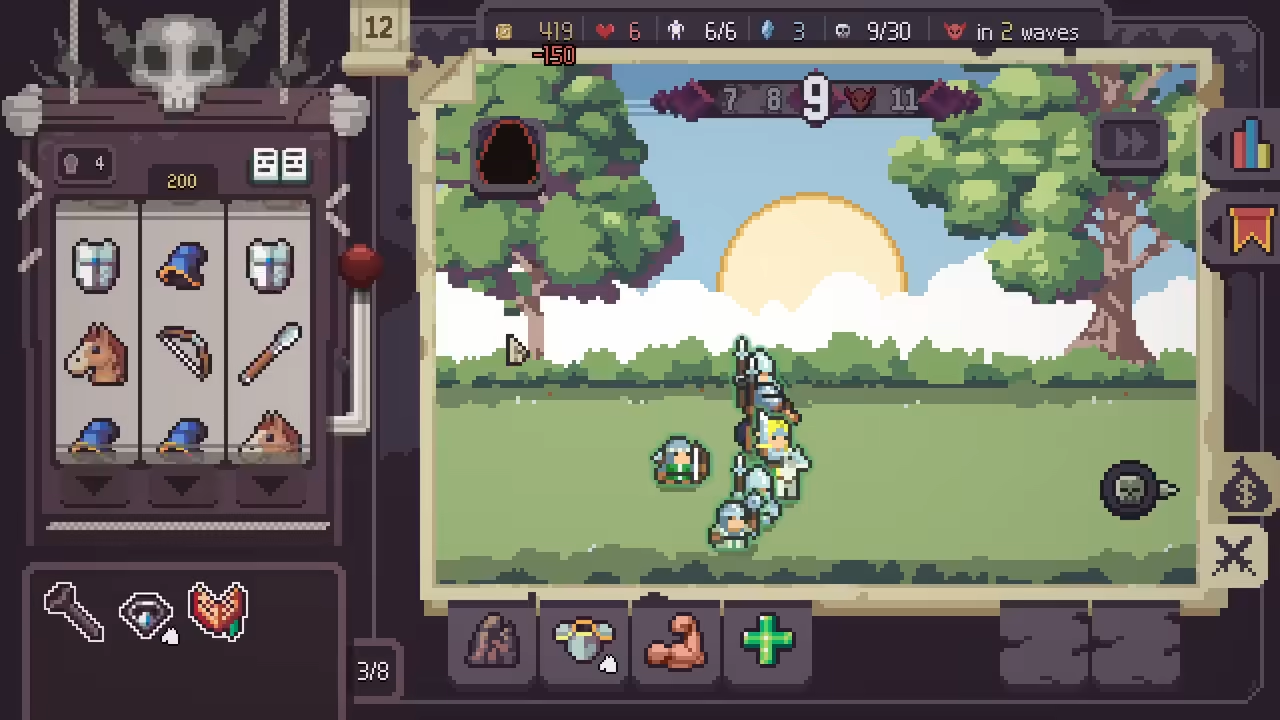
Tunnel hides your melee carry for about 2 seconds, then surfaces it near the enemy. Slow bosses such as the frost dragon have not entered the field yet, so the unit pops up at the back and runs forward. It happens on more than one boss. Until it is fixed, swap Tunnel for a damage or sustain skill on boss maps.

Boss wave: healer does not move

This is not AI failure. Some upgrades add Anchored Stance, which keeps the unit in place. Always read the new traits before you confirm an upgrade.
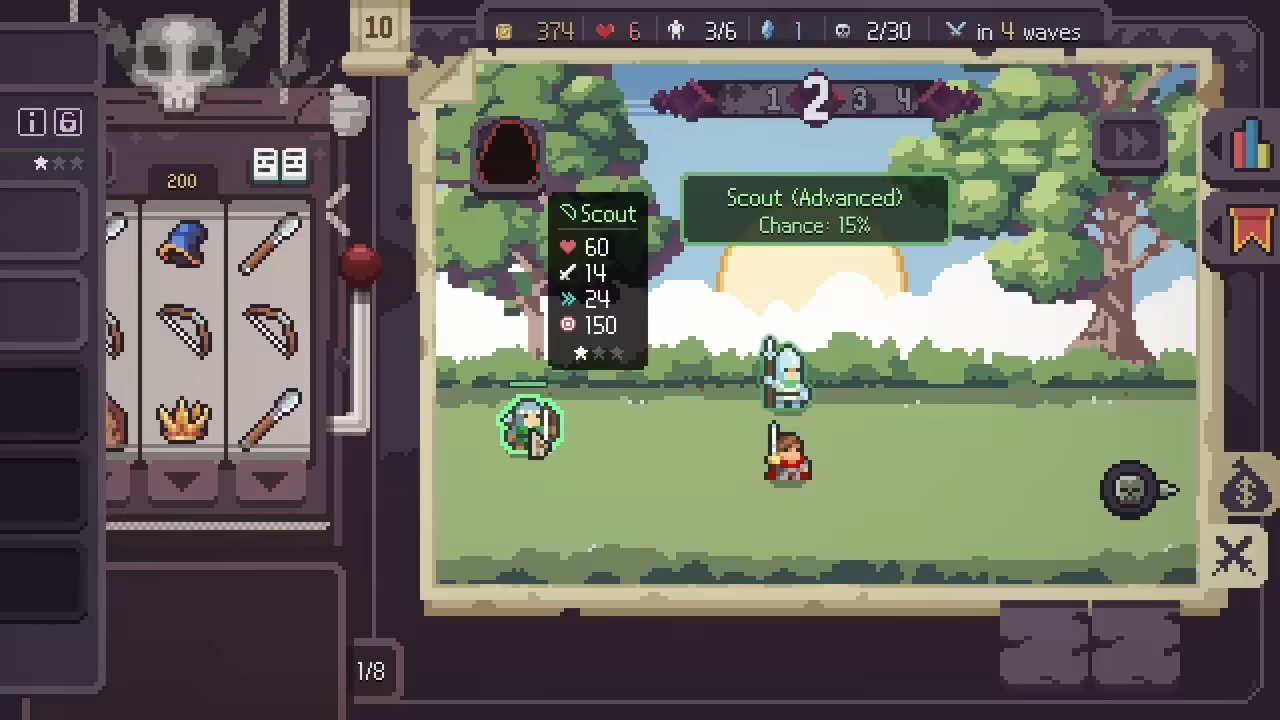
Slotbound gameplay showing item selection shop menu with stat upgrades

Game will not launch after update

  1. Open your antivirus or Windows Security.
  2. Allow the Slotbound exe from your Steam library folder.
  3. Verify game files in Steam (Properties > Installed Files).
  4. Restart Steam.

Slotbound unit merging and upgrade menu for advanced characters

Slow startup and a leaderboard that will not load are also reported; turn off VPN or accelerators and restart.

FAQ

Will these be fixed? The developer patches often; check the Steam news page.

Does the demo save carry over? No, the full game starts fresh.

Screenshots: The Most ADDICTING Roguelike I've Played! | Slotbound

Did this work for you?

Source: original Steam Community discussion. Quotes are shortened; all credit goes to the posters.

Related topics: launch fixes, save fixes

More for Slotbound

All Slotbound guides →

Known issueFix

Causes Windows 11 to Freeze

No confirmed fix yet. Players suggest: Yog, try update your graphics card driver to the last version.

#performance#nvidia

Known issueFix

BUG

Suggested fix (unconfirmed): Quit your Logitech peripheral software running in the background before launching the game.

Known issueFix

Bug

Suggested fix (unconfirmed): Kill the game process via Task Manager and restart your computer. Monitor your GPU temperature and usage to ensure the hardware is not overheating.

#performance

Known issueFix

I Have a Bug

No confirmed fix yet. Players suggest: lua: in function 'update' src/presentation_pacer.

#crash#nvidia

Known issueFix

Golden Relic Bug Maybe?

Suggested fix (unconfirmed): Unlock the advanced unit rarity before attempting to get it with the golden relic. Ensure your wins meet the game's unlock requirements for higher rarities.

Latest fixes for other games

All fixes →

Known issueFixWarhammer Survivors

Mangler Squigs Bugged?

Suggested fix (unconfirmed): Kite the second squig for a while with strong evolved weapons until it finally dies, and avoid invisible lingering hitboxes from mushroom clouds by staying away from them for a few seconds after the visual effect disappears.

Known issueFixWarhammer Survivors

The Game Is BROKEN

Suggested fix (unconfirmed): Reset your save file and restart the game to trigger the achievements and progress.

#save#achievement

Known issueFixWarhammer Survivors

WHS Biggest Attribute Is Its Biggest Issue, IMO

Suggested fix (unconfirmed): Apply a palette change or darken the follower models to make them less vibrant. Add an outline to the main player character to improve visibility.

SolvedHow-toWarhammer Survivors

Warhammer Survivors Tools Mod Guide: Skip Intro and Cheats

How to install WS Tools, a small BepInEx plugin for Warhammer Survivors: skips the warning and "press to start" screen, adds a native MODS tab to the pause menu, god mode, heal, +1 level, game speed, luck multiplier, always-max chests, boss spawn, FPS counter, map teleport and more. Step-by-step install, hotkeys and troubleshooting.

#crash#performance#steam-deck#controller

SolvedHow-toMelvor Idle 2: A RuneScape Adventure

Melvor Idle 2: A RuneScape Adventure - Guide to Defence, Sacrificial Anvil, Seeds, Leather

Melvor Idle 2: A RuneScape Adventure is an idle game where players begin fresh with character creation, start gathering resources like woodcutting, and progress by unlocking activities such as fishing and mining. The game features an updated user interface and improved art style compared to the first title.

#save

SolvedHow-toMelvor Idle 2: A RuneScape Adventure

Melvor Idle 2: A RuneScape Adventure Ranching Animals Dying Guide

Players report that animal death in ranching is an intentional game feature and balancing tool to prevent infinite passive income. Players note there is currently no buff available to extend animal lifespans or prevent them from dying.

#crash#quest