 Day One Fixes
SolvedHow-toUpdated
My Winter Car – Beginner’s Guide: Surviving the First 10 Minutes
Short answer
Welcome to My Winter Car. If you are reading this, chances are you’ve already frozen to death a few times or crashed your car trying to leave the driveway.
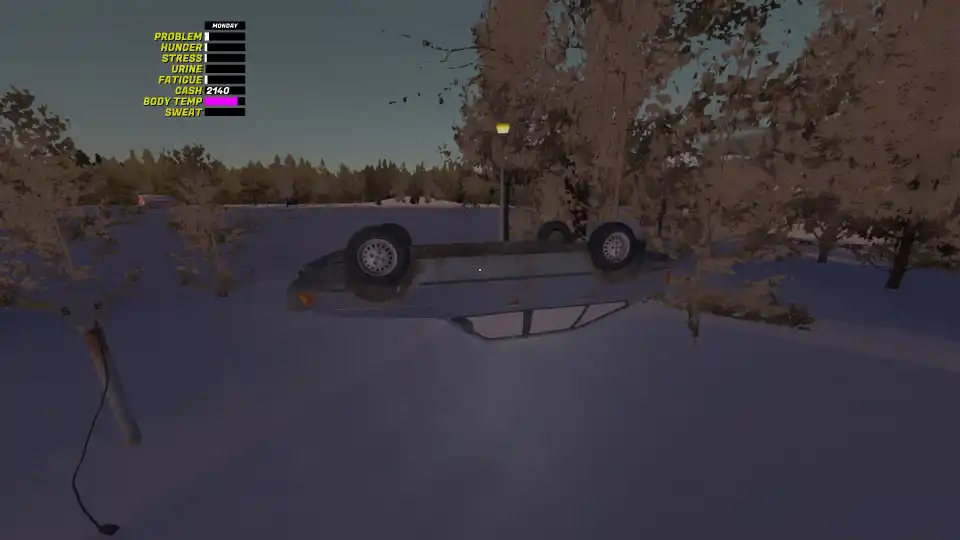
Welcome to My Winter Car. If you are reading this, chances are you’ve already frozen to death a few times or crashed your car trying to leave the driveway.
Don’t worry, we’ve all been there. Much like its predecessor (My Summer Car), this game is brutal and unforgiving—but surviving the cold is possible if you know exactly what to do.
This guide covers the critical first steps: getting out of your apartment without freezing, properly heating your car, and securing your first supply of food.
1. Getting Outside: How Not to Freeze to Death
When you spawn into the game, your instinct might be to run straight for the car. Do not do this. The cold in this game is lethal, and rushing out unprepared is a guaranteed game-over.
- Equip the Winter Jacket: Look at the floor near the exit door of your apartment. You will see winter clothing lying there. Before you even touch the door handle, make sure you equip the winter jacket. This is your first line of defense against hypothermia.
- Leave the Lights On: It sounds wasteful, but turn on the lights in your hallway or main room before you leave. When you come back later, it might be dark. Seeing that light from the outside will help you navigate back to safety quickly when you are freezing and disoriented.
2. Preparing the Starter Car (The Cold Start)
Your car is waiting outside, but it’s just as frozen as the landscape. If you just jump in and drive, you won’t be able to see through the windshield, and you’ll likely freeze inside the cabin. Follow this procedure:
- Start the Engine: Enter the car and turn the key. The car is capable of idling on its own, so just let it run.
- Adjust the Heater (Crucial):
- Locate the blower controls on the dashboard. Hover over the temperature dial and use your mouse scroll wheel to set it to HOT.
- Click the blower fan button two times to set it to maximum output.
- Turn on the Window Blower: Ensure the windshield defroster is active. If you skip this, your windows will fog/ice up, and you won’t be able to see the road.
- Retreat and Wait: Once the settings are correct, get out of the car. Run back into your warm apartment. Wait a minute or two for the car to come up to temperature. Sitting in a cold car will only hurt your health stats.
- Unplug the Block Heater: Before you finally drive away, walk to the front of the car and ensure you have unplugged the cord connecting the car to the house.
3. Getting Food and Fuel
Now that you are warm and mobile, you need supplies. Your hunger and thirst meters are ticking.
- The Route to PSK: Drive towards the local Pub (it’s very close to your starting location). Continue driving past it as if you are leaving town. On the other side of the road, you will spot the new PSK Gas Station.
- Stock Up: This is your new hub for survival. Buy food and drinks here.
- Refuel Immediately: While you are here, top up your gas tank. Since you will often need to leave the car idling to keep the heater running (even when you aren’t inside), you will burn through fuel faster than you expect.
Warning (Current Bug): As of the game’s release, there is a known bug involving vehicle crashes near the PSK station. Drive carefully and avoid hitting obstacles in this area to prevent glitching out.
What’s Next?
Once you have food in your belly and a warm car, the panic phase is over. Drive home, unpack your groceries, and plan your next move. You can now focus on:
- Finding the in-game job to start earning money.
- Hunting down hidden content and exploring the map.
Surviving My Winter Car is about patience. Take it slow, keep that heater running, and stay warm!