 Day One Fixes
Known issueHow-toUpdated
Just Volleyball: Player Fixes, Tips and Guides
Short answer
Player reports, fixes and video guides for just volleyball, collected from Steam and YouTube.
How to Get Better at just volleyball | Tips & Tricks
Quick answer
To get better at just volleyball, focus on mastering spiking techniques like jockeying, coordinating your runs with the setter, and using strategic positioning and timing for blocks and dives.
How to improve spiking in just volleyball
- Jockeying: Look one way in the air or while running up, then turn and aim your hit on the opposite side of the court to confuse blockers.
- Availability: Start your approach even if you are unsure you will get the ball, signaling to the setter that you are an option.
- Team support: Leave at least one or two players below the spiker or in the back row to catch the ball if the enemy gets a block out.
- Approach timing: Coordinate your run-up with teammates and your setter to bait opponent blocks and create deadlier attacks.
How to use sprinting and strafing effectively
- Sprinting usage: Use sprint to close distance when opponents send a ball flying just out of your normal reach.
- Stamina management: Be smart with sprints to avoid wasting stamina and dropping unintentionally.
- Strafing for blocks: Use strafing to position yourself properly and ensure you face the opposing striker to avoid missing blocks.
- Direct blocks: Position your block straight below and under the spiker to reduce ball travel distance and reaction time.
How to read and defend against spikes
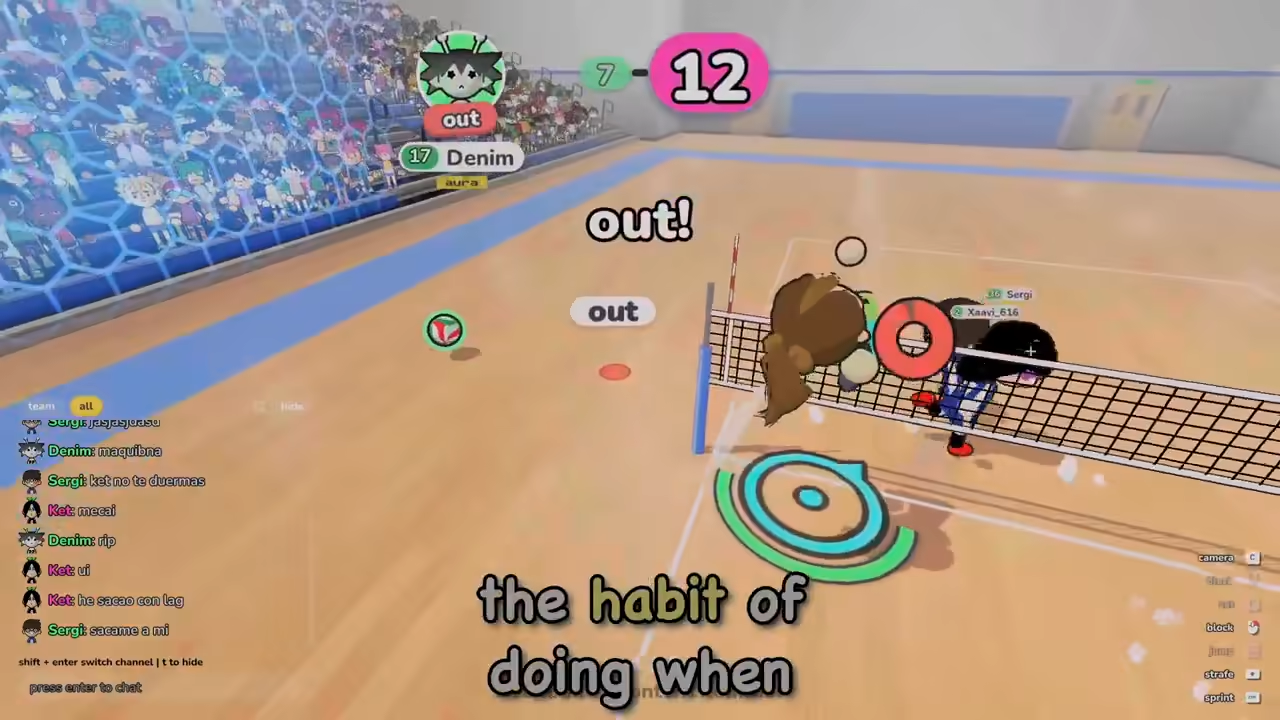
- Read opponents: Pay attention to the opposing spiker's approach, positioning, and aim direction to anticipate attacks.
- Side movement: Use side movement keys to shift your block into the correct position after making your read.
- Lane coverage: Block the lanes your teammates are not currently covering to reduce obvious openings and defend effectively.
How to dive for loose balls in just volleyball
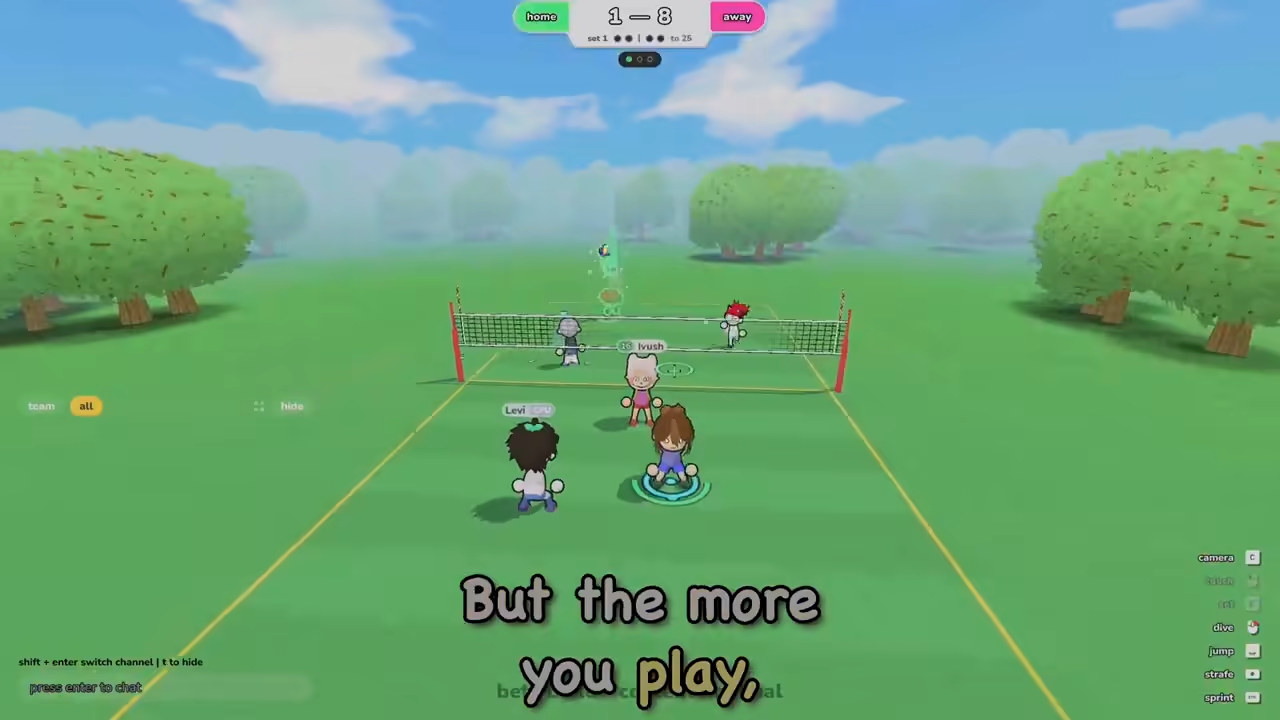
- Dive control: Avoid spamming dives to prevent knocking teammates over and losing control of the play.
- Reach extension: Use a dive only when the ball is just outside your normal bumping range and you need extra reach.
- Bumping alternative: Use a standard bump instead of a dive if the ball is falling directly on top of you.
- Dive timing: Time your dives carefully and stay calm when a spike or serve approaches to avoid giving away points.
Just volleyball Tips and trick for beginners justvolleyball gaming
Quick answer
To improve your Just Volleyball gameplay as a beginner, customize your controls, master different serve and set mechanics, and use visual cues like the jump bar to time your spikes effectively.
Best Just Volleyball controller settings
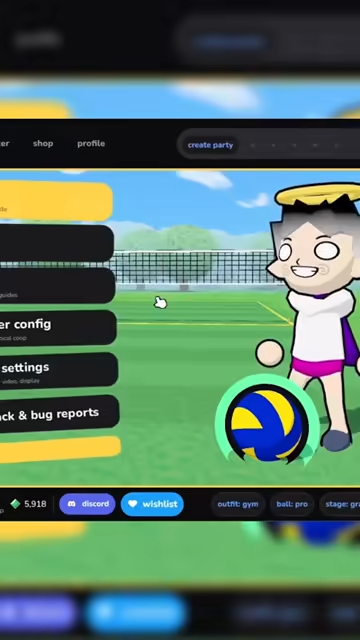
- Controller config: Access the settings and select the edit controls button to swap your key binds.
- Key binds: Change default settings to fit your preferences, such as swapping control and shift keys for sprinting.
- Camera angles: Press the C key during a match to switch between different camera views.
- Action cam: Select this setting to use a preferred third-person perspective.
How to serve for beginners in Just Volleyball
- Basic serve: Toss the ball up and spike it as a reliable option for new players.
- Float serve: Hold the S key while jumping and performing a back tilt to execute a float serve.
- Curve serve: Press the A and D keys while in the air to curve your serve trajectory.
- Power adjustments: Change your serve power to alter the trajectory, using minimum power to make the ball drop fast near the ground.
- Sprint mechanic: Use sprint when tossing the ball to help throw it further into the court.
How to execute sets and spikes
- Set types: Utilize either a high set or a quick set depending on the play.
- Cursor placement: Aim your power and cursor so the ball lands where intended.
- Peak targeting: Aim the ball so its maximum height matches the peak of the spiker's jump.
- Spike reading: Observe blockers and receivers to determine the best location to spike.
- Cut shots: Tilt in the direction you are spiking to curve the ball inward for a sharper cut angle.
- Line shots: Identify open lanes left by blockers to avoid getting blocked.
- Jump bar timing: Watch the jump bar until it flashes to easily execute boom jumps.
UNGATEKEEPING Just Volleyball Tips (Tutorial)
Quick answer
To improve your Just Volleyball gameplay, master jump timing for serves, use movement keys to tilt your swings, and hold shift while blocking to face the net.
How to serve and aim in Just Volleyball
- Timing: Time your jump correctly so your character is directly under the ball to execute a successful swing.
- Throw placement: You can throw the ball anywhere for a serve as long as the jump timing is correct.
- Directional tilt: Press any movement key while jumping and swinging to direct the ball toward that tilt.
- Floater serve: Press the S key during your jump to perform a floater serve.
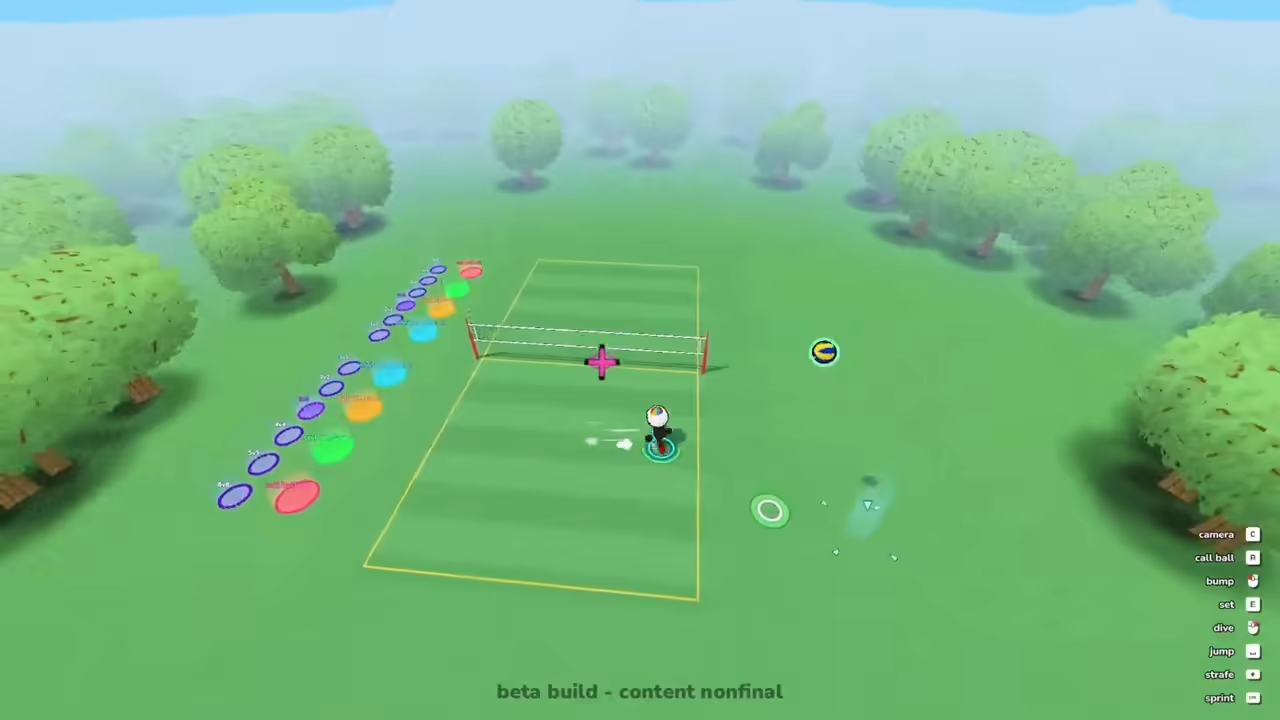
How to set the ball
- High ball: Tap the E key to set up a high ball.
- Fast set: Hold the E key to put pace on the set and trick the blockers.
- Two-hit attack: Hit the ball on two instead of setting it if you want to catch opponents off guard.
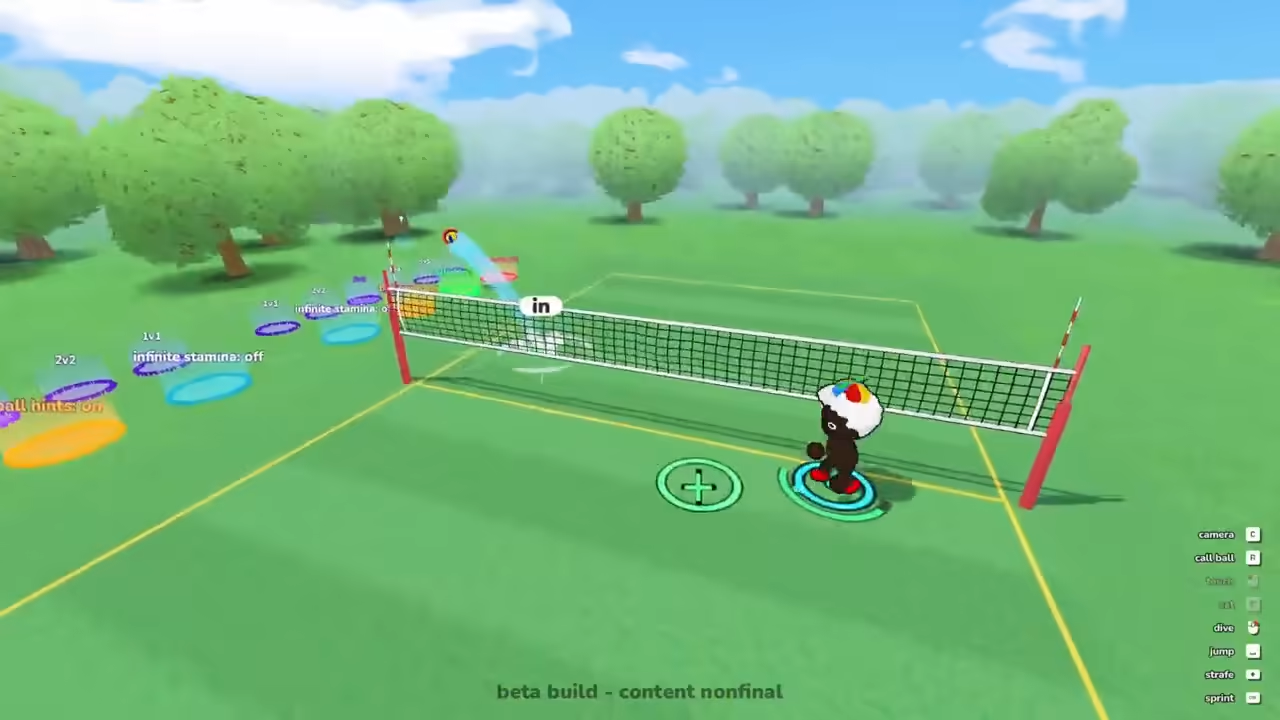
How to block and dive
- Net orientation: Hold the shift key to make your character follow your cursor and stay facing toward the net.
- Block coverage: Use the A and D keys to tilt while blocking in order to take up more space and read hitters.
- Accurate diving: Press the right click to dive toward where the ball is about to land rather than following your cursor, allowing for a more accurate receive.
How To Fix just volleyball Crashing On Steam
Quick answer
To fix Just Volleyball crashing on Steam, adjust your launch options, verify game files, install missing redistributables, update your GPU drivers, and run Steam as an administrator.
How to fix Just Volleyball launch crashes
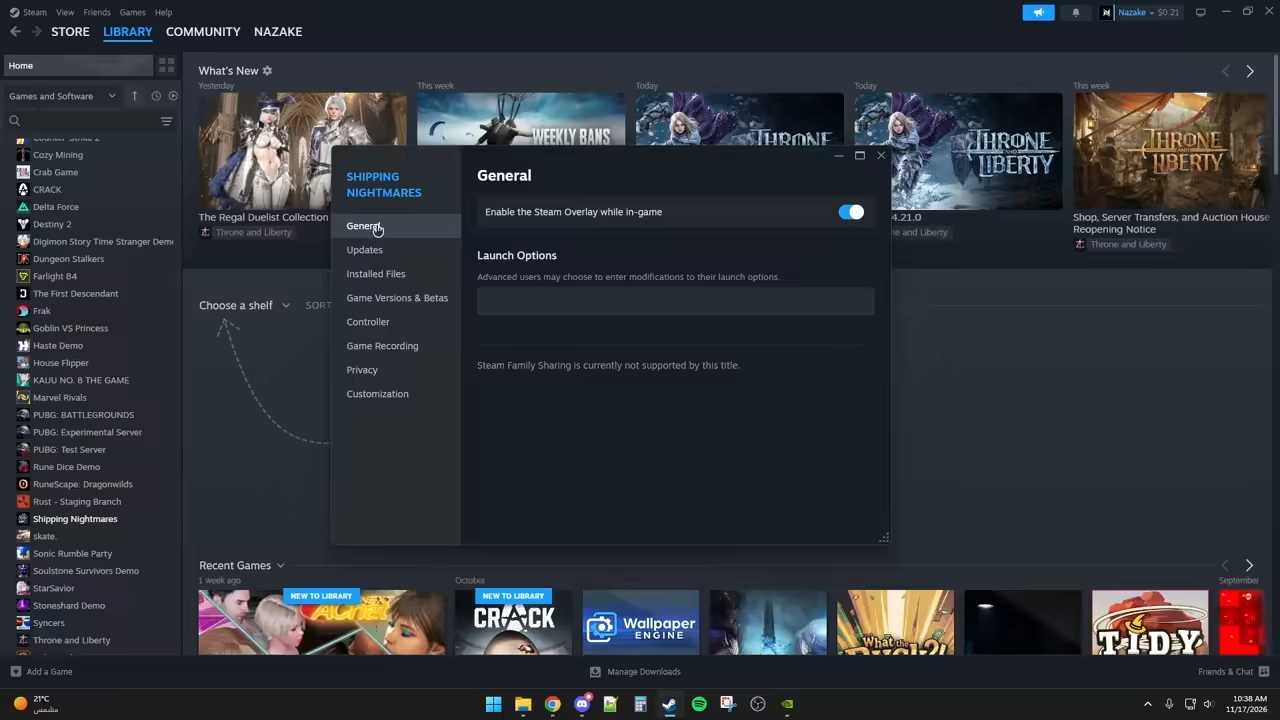
- Launch options: Right-click Just Volleyball in your Steam library, go to the General tab, and add
-dx11in the launch options (try-12if it still fails). - File integrity: Go to the Installed Files section in Steam properties and click Verify the integrity of game files.
- Admin mode: Right-click the Steam shortcut and select Run as administrator before launching the game from your library.
How to install missing redistributables
- Open your browser and navigate to the official Microsoft Visual C++ redistributables link.
- Download and install both the x86 and x64 versions.
- Restart your computer immediately after the installation finishes.
How to update GPU drivers for Just Volleyball
- Nvidia users: Open the Nvidia app, navigate to Drivers, check for updates, and install the latest version.
- AMD users: Open the AMD software, go to Drivers, check for updates, and install the latest version.
How to perform a clean boot for Steam games
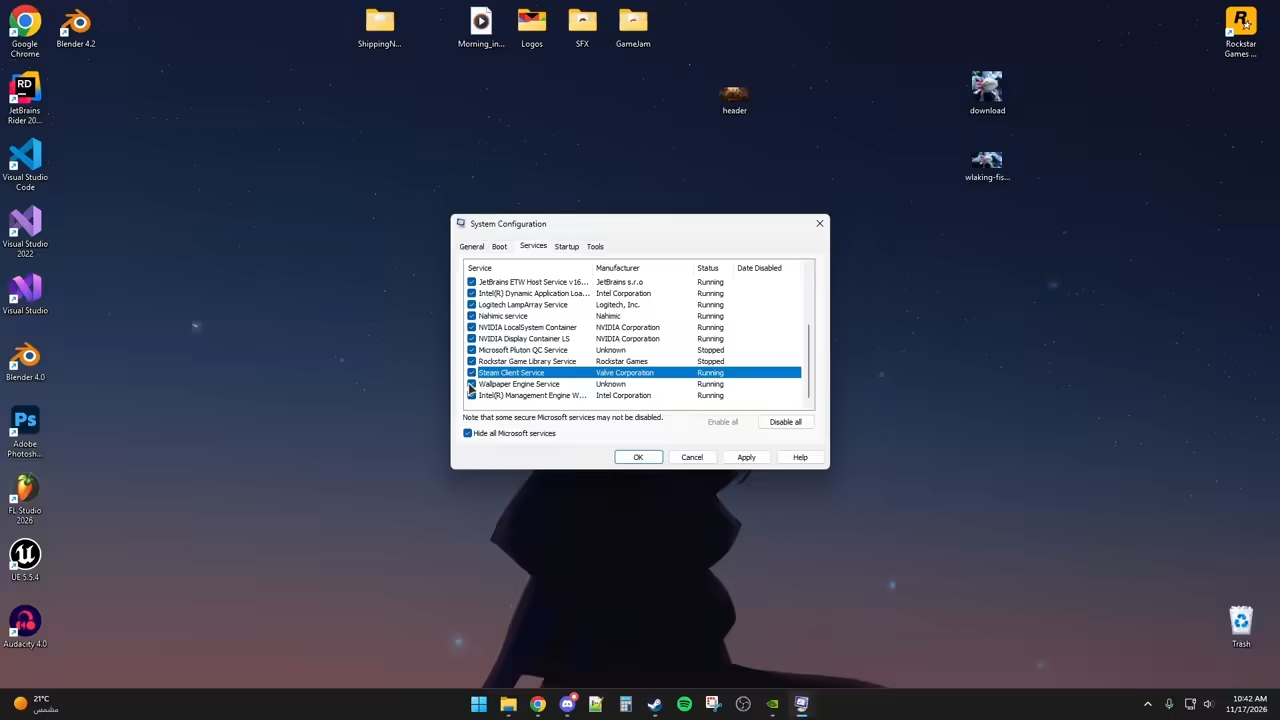
- Right-click the Windows Start button, select Run, type
msconfig, and press OK. - Go to the Services tab and check the box to Hide all Microsoft services.
- Uncheck everything except your GPU driver, GPU services, audio drivers, and the Steam client (or click Disable all).
- Click Apply and restart your computer to apply the changes.
- To restore default settings later, return to this menu, check Enable all, apply, and restart.
We need a Singleplayer adventure/career mode
The problem
It would be awesome to be able to play in a singleplayer mode where you create your own player and advance through leagues and become the best volleyball player in the world!
Samu, original post
What players suggest
+1. Check out bang average football for an amazing example of this
Puddin N' Pie
That would be so fun!
Leo
For real. I have many hours in Super Volley Blast thanks to its extremely simple (but fun) story mode. A simple progression for singleplayer goes a long way for a game's enjoyment.
AfricaByToto147
Oh thanks for the tip I will check out super volley blast.
Puddin N' Pie
I agree, this game is amazing but adding career mode would increase replayability by a lot. Ranked for online and story mode would be perfect.
hungermind
I like some of the random CPU teammates I get and am sad they are no longer there in subsequent sessions. It would be great to be able to build a “team” or save favorites.
s4credshell
Story mode / Championship
The problem
Are there any plans on adding some kind of story mode for the game? I do like the multiplayer aspect, but sometimes you just want to play alone. But just practicing gets boring after a while, so having some kind of championship that makes you advance stages, changing teams and their playstyles, or even an actual story would be really great. Plus it will not only expands on the single player aspect, giving it an actual cause, but also introduce players to the game properly.
avdei, original post
What players suggest
yeah i think that would be fun as well. Basically making "haikyuu" the game
Lord Mercury
That would be a really cool idea
Leo
+1
AfricaByToto147
I'd love this. Please!
s4credshell
Best camera mode?
The problem
What camera mode do you think is the best? They are all so vastly different and have their pros and cons. I like the far chase cam but its hard to see exactly where the ball / players are on the opponents side.
Dephonic, original post
What players suggest
dynamic for serving and action while playing for me
f u z z
action i think
Salphex
Dynamic with auto zoom disabled is by far the best.
ItsJustT0m
error 0x11c7
The problem
It reports an error as soon as I open it. I’ve verified the integrity of the files, and everything checks out, but the error still persists.
Zongxun, original post
What players suggest
did you solve this problem? My friend has the same error
Fa1N
Me too. I can’t solve either.
君莫笑
me too... same error
harles
What players say
How to Get Better at just volleyball | Tips & Tricks
I simply strafe 90%+ of the time. and then I let it go if I need more speed, and run if I need even more. Usually when receiving if I expect a faster serve, I already hold run preemptively so I can reposition fast enough.
pluviaspiritvale
beta over by the time I found out about the game... also feels like there a sizable amount of people who are going to be already cracked at this game lol
drakere2
Any tips for people playing on controller?
SkylerSky50
UNGATEKEEPING Just Volleyball Tips (Tutorial)
This guy is the demon i face after a 12hr shift, dinner with my wife and then putting the kid to bed.
nickrichards6562
do note a bit when you tilt left/right on block, it won't block any straight. At least from my experience
daggy3750
If yoyre going to make content do NOT make AI generated thumbnails. Any amount of personal effort into yoyr thumbnail no matter how shitty it looks will be better recieved than AI. Get better bro.
hamosac7588
How do you break blocker guard? i block someone before and he spike through it and broke my block.
xBaserios
how are you running and jumping so far in on the serve!? im trying to jump, but the character just stays in place and doesnt move. Was this taking out the beta?
HyperFreak89
this game is only fun if you play with the action camera :/
dientedeoro93
You use A and D to block? For me, when I move my Mouse, it does the same thing.
mrzima723
Based on the Steam Community guide. Read the full original guide on Steam.
Did this work for you?
Related topics: crash fixes