 Day One Fixes
SolvedFixUpdated · 0 replies on Steam
Just Volleyball Error 0x11C7 on Launch: How to Fix It
Short answer
Error 0x11C7 means Windows blocked the game with an application control policy, usually Smart App Control. Verifying files will not help. Turn Smart App Control off or allow the exe in your antivirus, then relaunch from Steam.
Quick answer
The full message reads: "Failed to start process for this game, an application control policy has blocked this file. 0x11C7". It comes from Windows, not from the game, so verifying file integrity does nothing.
Fix steps
- Open Windows Security, then App & browser control, then Smart App Control settings.
- Set Smart App Control to Off. On Windows 11 you can't turn it back on without a reset, so decide first.
- If you use third-party antivirus (Avast, Bitdefender, Norton…), add an exception for the game folder: Steam → right-click Just Volleyball → Manage → Browse local files.
- On a work or school PC, an admin policy (WDAC/AppLocker) may be doing the blocking, and only the admin can allow the game.
- Restart your PC and launch from Steam.
Still blocked?
- Run Steam as administrator once.
- Wait for a game update: developers can get the build signed, which usually stops Smart App Control from flagging it.
- The same error hits other new indies too, such as Zombies Aren't Real.
FAQ
Is my PC infected? No. Windows blocks unsigned or new executables by default.
Will reinstalling help? Usually not, because the policy blocks the new file too.
Does it affect Steam Deck? No. This is a Windows-only error.
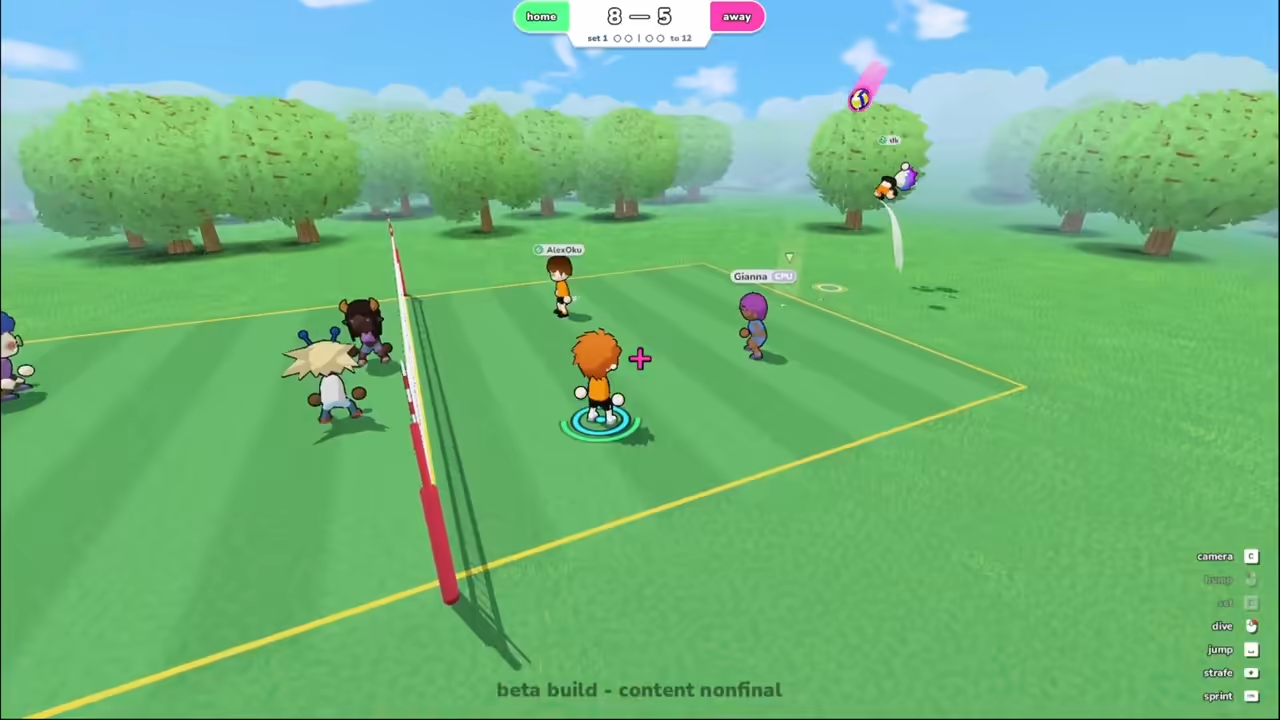
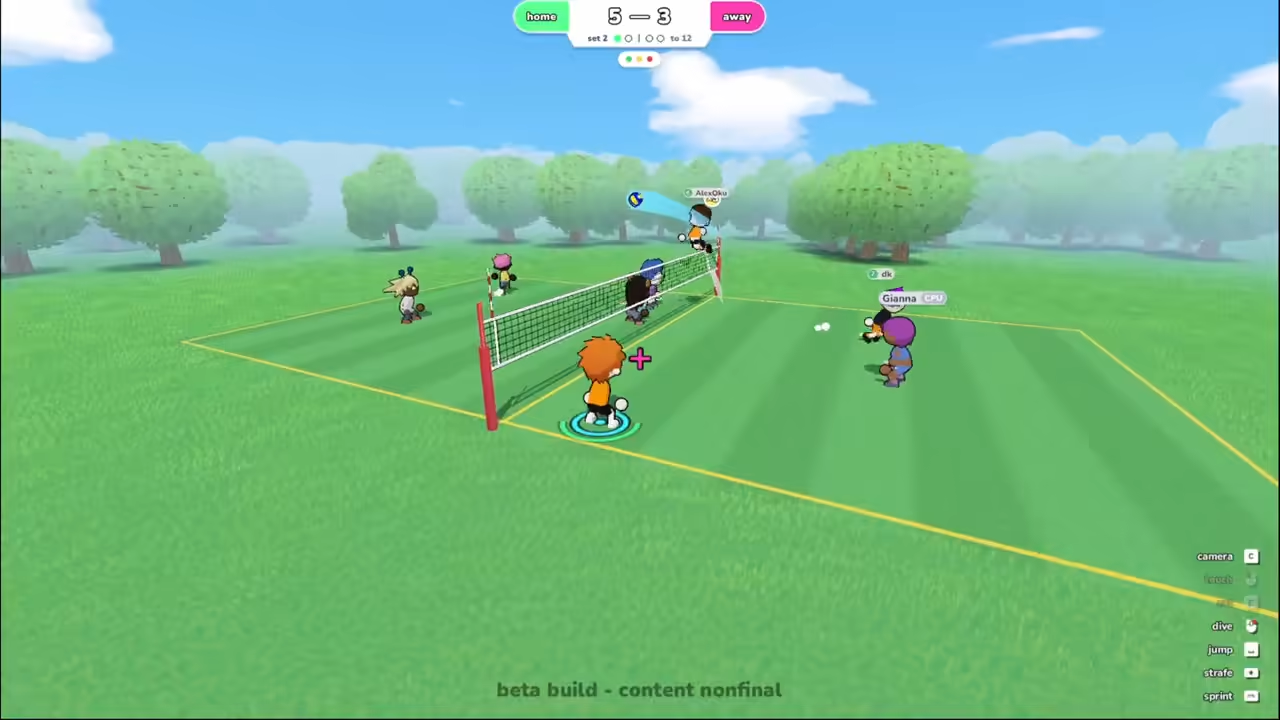
Screenshots: Just Volleyball is SO MUCH FUN! | UNCUT
Based on the Steam Community guide. Read the full original guide on Steam.
Video guide
Did this work for you?
Source: original Steam Community discussion. Quotes are shortened; all credit goes to the posters.
Related topics: steam deck fixes