 Day One Fixes
SolvedFixUpdated
Fellowship: Fix “A Product Installation Has Been Detected” Launch Error
Short answer
Getting the “A product installation has been detected” error and nothing else shows up? Try ArcRepair.exe, and if you’re on Steam, delete the Arc folder to get in.
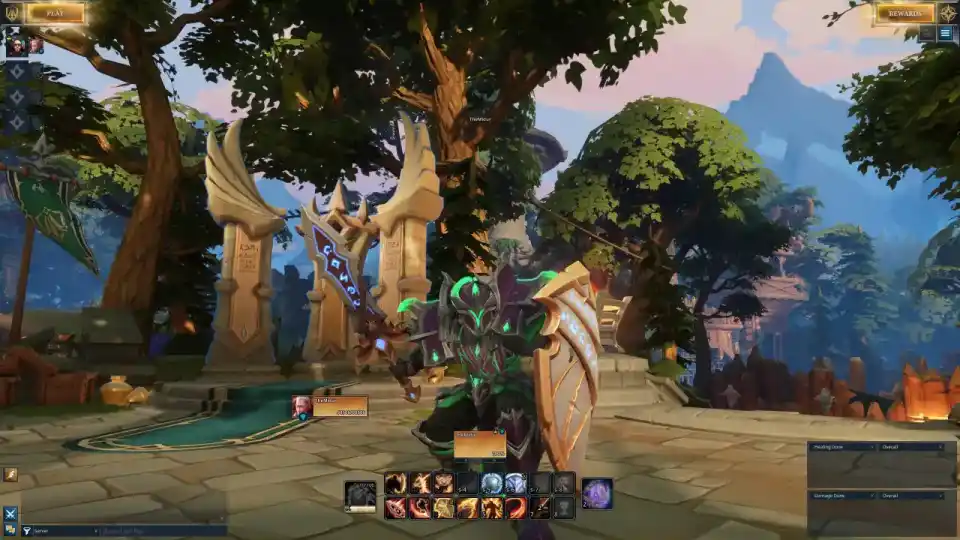
Getting the “A product installation has been detected” error and nothing else shows up? Try ArcRepair.exe, and if you’re on Steam, delete the Arc folder to get in.
If you launch the game and it throws that “A product installation has been detected. Please remove the existing installation before continuing.” message, you’re not alone. It’s annoying, but there are a couple of quick moves that have worked for players.
What’s happening
You hit launch, the error pops, and the game doesn’t open. Reinstalling might help, but there are faster fixes to try first.
Quick fixes that actually helped
- Run the repair tool: open C:\Program Files (x86)\Arc\ and launch ArcRepair.exe.
- Steam users: if you still can’t log in after installing, delete the Arc folder in C:\Program Files (x86).
- Reinstall as a fallback if the above doesn’t clear the block.
Step-by-step: Run ArcRepair
- Go to C:\Program Files (x86)\Arc\
- Double-click ArcRepair.exe
- Let it finish, then try launching the game again
For Steam players: Remove Arc
- Open C:\Program Files (x86)\
- Delete the Arc folder
- Relaunch via Steam and try logging in again
Last resort: Reinstall
If the repair and Arc folder cleanup didn’t do it, reinstall the game and try again. It’s not instant, but it can clear leftover files that trigger the error.
Hope this gets you past the error and into the game. If one step doesn’t work, try the next in the list.