 Day One Fixes
Known issueFixUpdated
Loftia - Crashing, Black Screen, Launch Failure, Fixes, Performance
Short answer
Try changing DirectX version, verify game files, update GPU drivers, and adjust launch options as suggested by the community.
How to Fix Loftia Crashing on Steam by Changing DirectX Version
Quick answer: Add -dx11 or switch to -dx12 for Loftia crashes
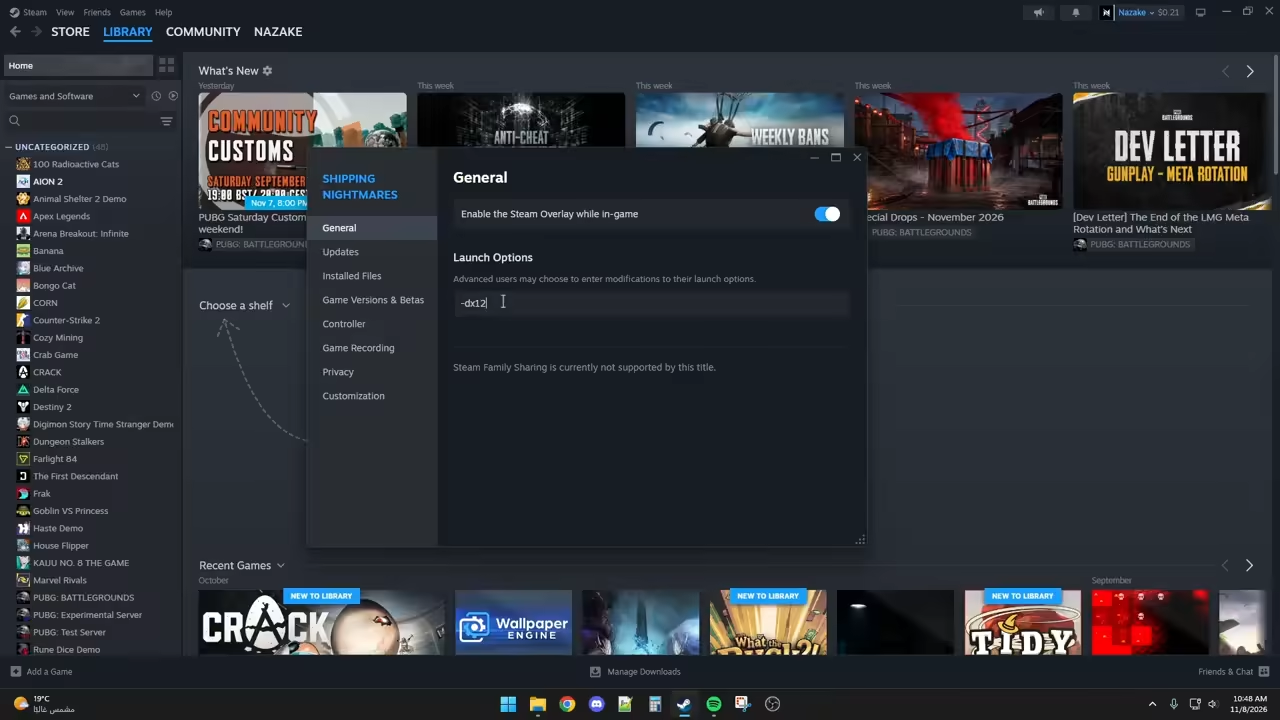
Now, in the general tab, you can try adding {dash} dx11 or you can switch to 12 if it keeps crashing with 11 as well. Then go to installed files and click on verify the integrity of game files. And then you will need to make sure that you have the latest driver updates installed for your GPU.
How to Verify Loftia Files and Change DirectX Version in Steam
So, first in your library, you will need to right-click on the game and open the properties window. And once this is completed, you can close Steam.
How to Install Visual C++ Redistributables for Loftia
And then you will need to open up your browser and navigate to this link which you'll find below in the video description. And from here, you will need to get the 86 installer and the 64 for the redistributables. And make sure to install both of these if you're running Windows.
And this will require a computer restart, so make sure to do that right after the installation.
How to Update GPU Drivers and Run Steam as Administrator for Loftia
Then you will need to open up Nvidia app or AMD software depending on which GPU you're running. So, you can check for updates and make sure to download and install the latest available updates. And once you're done, you will need to right-click on Steam and run it as admin before opening the game.
And once you run it as admin, you can basically run the game from your Steam library. And this should solve the crash problem.
How to Perform a Clean Boot to Stop Loftia Crashes on Launch
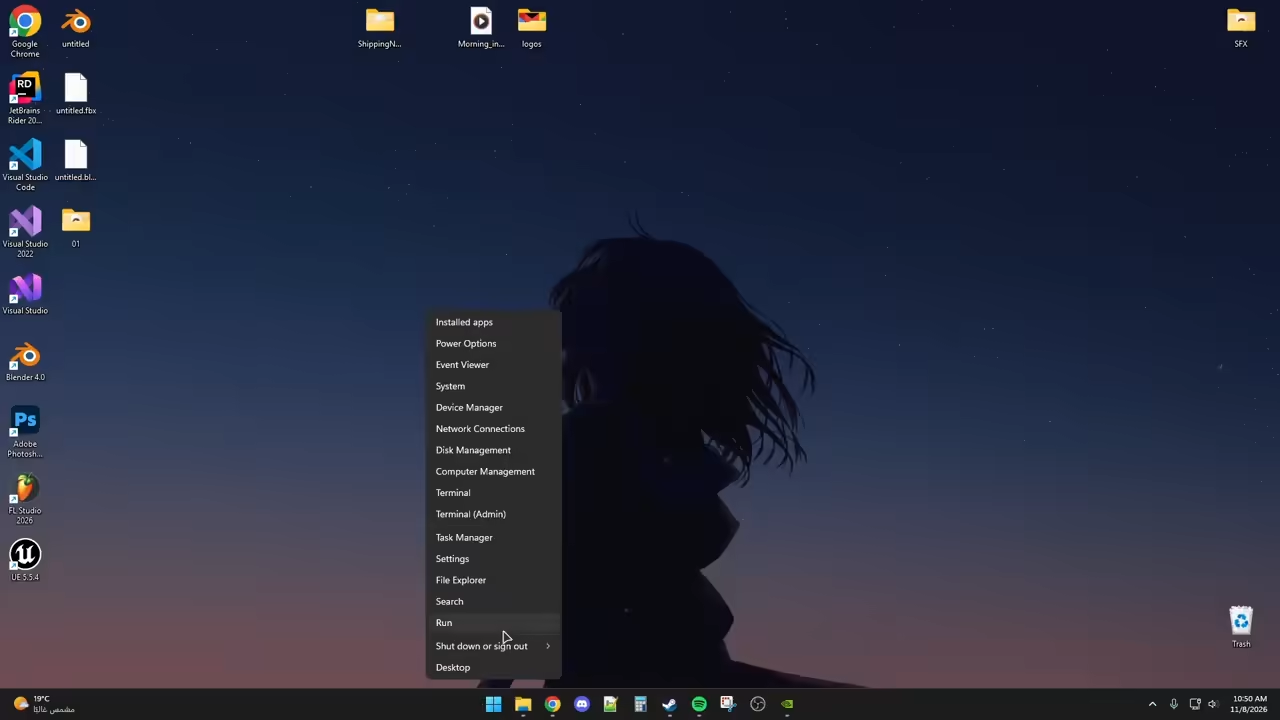
Now, if you still do have crashes as soon as you launch the game, what you can do instead is right-click on the start button and then type run. And then you will need to type msconfig and press okay. And in this page, you will need to go to services and then click on hide all Microsoft services.
And go through this list and uncheck the unnecessary services that um running. So, for example, you would leave your um GPU services, such as Nvidia, and Steam service, and other audio-related services, and you can disable the rest. Or, you can try to disable all, restart your computer, and try to launch the game, and then turn them back on if that fixes the crash problem.
How to Fix Loftia Launch Failure, Black Screen, and Stuck Loading
Why is Loftia Suddenly Crashing and Showing a Black Screen on Launch?
What Causes Loftia Crashes and Black Screen on Launch?
No matter what I'm doing in the game now, it crashes and kicks me out. It worked great during the demo and the first few days, but suddenly started crashing yesterday, every few minutes or so. Can't even play now.
sablekat, original post
How to Fix Loftia by Lowering Graphics Settings to Medium
I changed my settings today... all from High to Medium. That seems to be helping.
sablekat
Why Does Rain Enter My House in Loftia?
What Is the Issue with Rain Entering Homes in Loftia?
Anyone else have it rain inside their home when it's raining outside? It's weird and sort of depressing. I hate the rain and would love to not have it coming down inside the home.
Old Nerd Gaming, original post
What Players Suggest for Fixing Rain Inside Homes in Loftia
Which house was it? I know some may still have a lingering bug where the rain is so powerful that it can go through the roof
Bear
I don't have that issue either with the original house nor the house with the grassy roof.
Jacra
I first noticed it in the cottage and now in my dome home.
Old Nerd Gaming
Did this work for you?
Related topics: crash fixes, black screen fixes, launch fixes, performance fixes