 Day One Fixes
SolvedFixUpdated · 0 replies on Steam
JOHN GLEEP Cloud Saves Not Working (Steam Deck to PC): Fix
Short answer
Even after hotfix 1.0.3, some players still see 0 bytes of cloud data for JOHN GLEEP, so saves don't move between Steam Deck and PC, and a few runs rolled back. Back up the local save first, force a sync and contact the dev on Discord for recovery.
Quick answer
- Hotfix 1.0.3 promised working cross-platform cloud saves, but many players still get 0 bytes uploaded.
- Your save is usually still on the original device, so don't overwrite it.
Fix steps
- On the device that has the save, back up the save folder manually before you do anything else.
- In Steam, right-click JOHN GLEEP, open Properties → General and turn Keep games saves in the Steam Cloud on.
- Fully quit the game. On Steam Deck use the Exit game option, don't just suspend, so the sync runs.
- Check Steam → Game properties → cloud status. If it still says 0 bytes, the game isn't writing to the cloud path yet.
- Launch on the second device. If Steam shows a sync conflict, pick the newest save, not the empty one.
- If saves are still missing, copy the folder manually, for example with a USB stick or Steam Deck desktop mode.
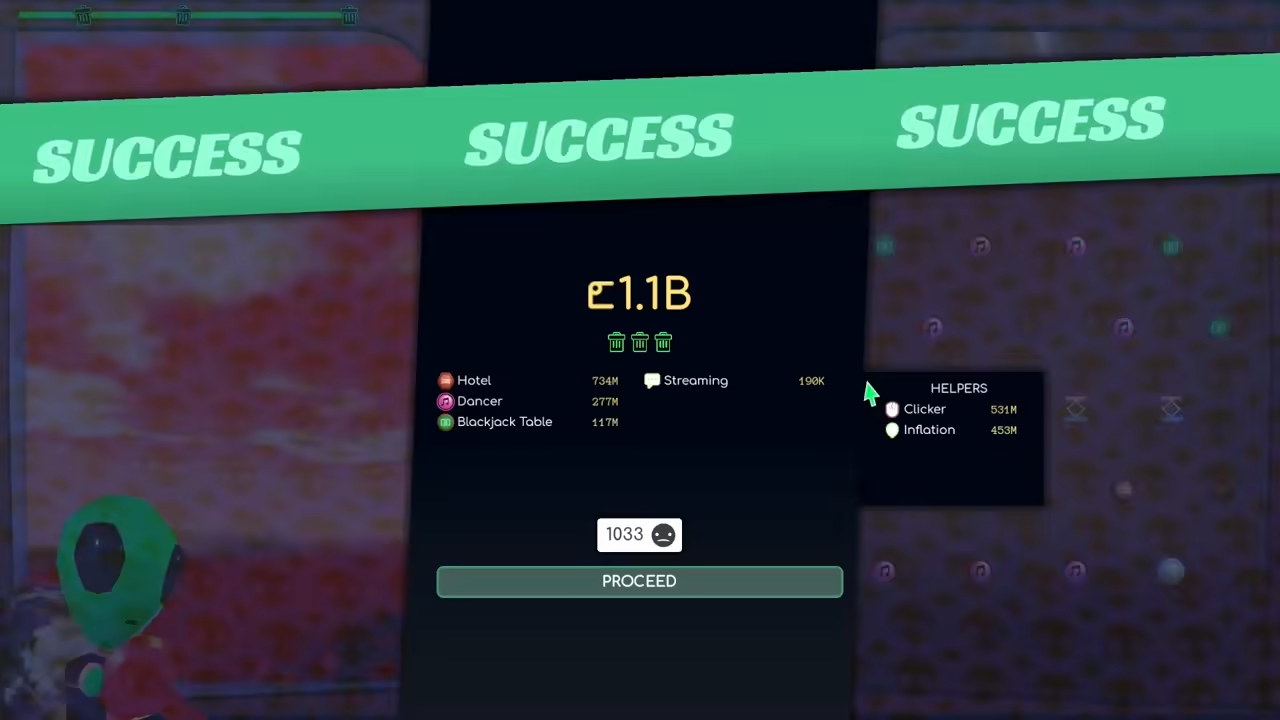
Lost a run or rolled back?
Some players lost a finished run or went back a few planets. The developer is helping debug saves on the official Discord, so bring your backup there.
FAQ
Is my save deleted? Usually not. It stays on the device you started on.
Does Ultrawide matter? No. That's a separate issue.
Will a patch fix it? The dev is actively working on it, so keep the game updated.
Screenshots: Alien Abducts Planet and Forces Them to Gamble | JOHN GLEEP
Based on the Steam Community guide. Read the full original guide on Steam.
Video guide
Did this work for you?
Source: original Steam Community discussion. Quotes are shortened; all credit goes to the posters.
Related topics: steam deck fixes, save fixes