 Day One Fixes
SolvedFixUpdated
How to Fix GTA V Enhanced Not Launching and Unexpected Crashes
Short answer
GTA V Enhanced startup issues and crashes can be caused by launcher hangs or conflicts with Nvidia app graphics settings, overlays, and frame generation hooks.
How to Fix GTA V Enhanced Not Launching on PC
Why GTA V Enhanced Fails to Launch
my gta v enhanced not launching idk why
yashaher988, original post
Troubleshooting GTA V Enhanced Startup Hangs
If you actually want help, you need to provide details.
paflanagan
I'm having the same problem. I hit launch, it hangs loading the launcher. What other details do you want?
Clodhopper
Not knowing anything that you may have tried already.....I would recommend in Steam, run the File Integrity Scan for GTAV Enhanced. Reboot your PC, and try again.
paflanagan
Ran the scan, ran in admin mode, and even ended up reinstalling. Game hangs loading the launcher. All I see is a lil box with the Rockstar logo, black, and the circle around it never stopping.
Clodhopper
same thing here
sR
Have either of you tried uninstalling/reinstalling the Rockstar launcher? Do you get any error message/error code??
paflanagan
Yes, I uninstalled everything. No codes ever showed up, just infinite loading. I did some digging and found out you NEED OneDrive running to run the game. That solved my issue.
Clodhopper
It seems the Rockstar Game Launcher servers are having some issues right now. Gotta love the always-online future, absolutely bulletproof.
Maxey|Payney
wtf, this seems to be the fix lmao
Maxey|Payney
wtf, this seems to be the fix lmao Yeah, it's absolutely ridiculous.
Clodhopper
How to Fix GTA V Enhanced Exited Unexpectedly
Fixing Nvidia App Overlay Conflicts in GTA V Enhanced
Nvidia App Settings
If you use the Nvidia app, a known recent conflict causes Grand Theft Auto V to crash on startup if smooth motion or certain driver-level frame generation/overlay hooks are enabled. Open the Nvidia app, go to graphics settings, find Grand Theft Auto V, and turn off Nvidia smooth motion or overlay enhancements.
Third-Party Overlays
Disable other overlays like Discord, GeForce Experience, or Steam Overlay to test if they are hooking improperly.
How to Clean Reinstall BattleEye Service for GTA V
Stopping and Removing the Service
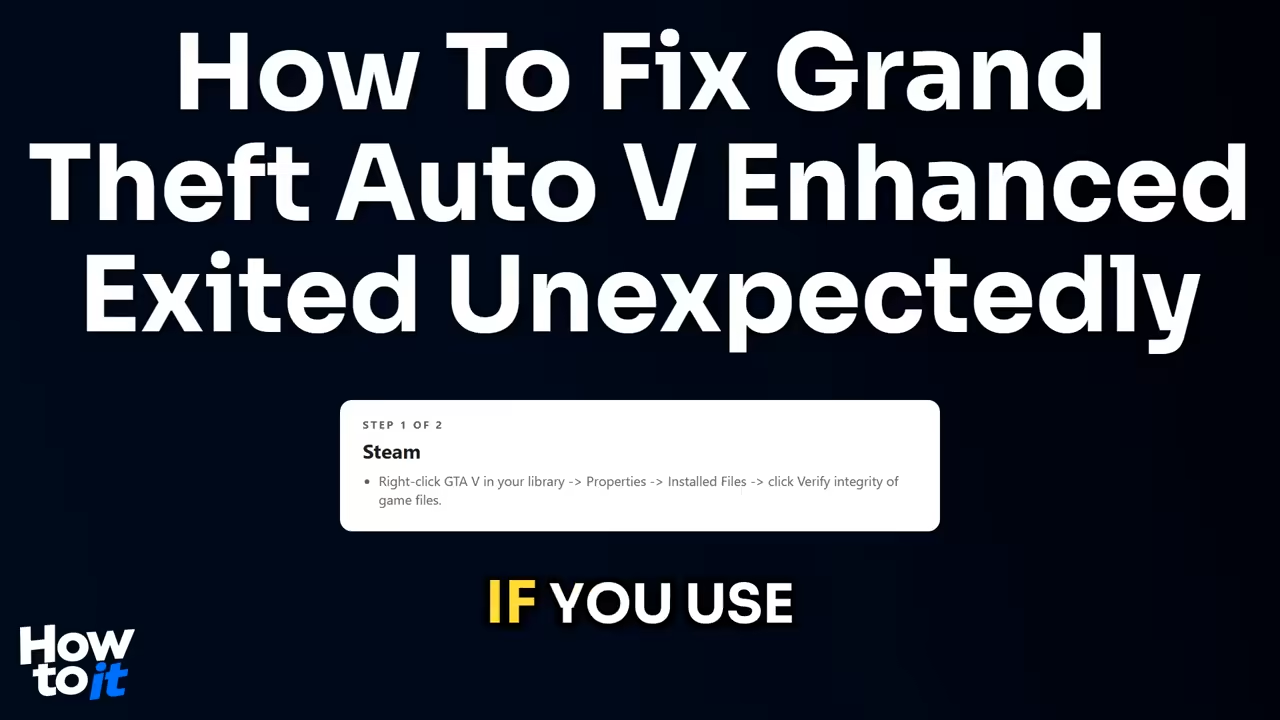
Grand Theft Auto V uses BattleEye, and a broken or stuck local service frequently triggers an unexpected exit right at launch. Press the Windows key, type CMD, right-click Command Prompt, and select Run as Administrator. Run these two commands to stop and remove the old service, SA stop BES service, S delete BEES service.
Deleting and Redownloading BattleEye
Navigate to C, Program Files, X86, C G Common Files, and delete the BattleEye folder entirely. Launch Grand Theft Auto V again. The game will automatically redownload and fresh install a clean version of the BattleEye service.
Updating Dual Graphics and Power Modes for GTA V
Integrated and Dedicated Drivers
If you are playing on a gaming laptop or a system with dual graphics, Intel AMD integrated plus Nvidia/AMD dedicated, outdated integrated graphics drivers can crash the handoff sequence on startup. Download the Intel driver and Support Assistant or AMD equivalent alongside your latest discrete GPU drivers from Nvidia/AMD.
Windows Power Mode Settings
Set your Windows power mode to best performance in Windows settings, System, Power and Battery.
Reinstalling DirectX and Visual C++ for GTA V
Runtime Libraries
Corrupted runtime libraries often throw fatal exceptions during startup. Navigate to your game installation folder. Default is usually C, Program Files, Rockstar Games, Grand Theft Auto V redistributables or via your Steam Epic Library folder.
Running the Installers
Run the installers inside the DirectX and VCRedist folders to repair your local runtimes.
Antivirus Exclusions and File Verification for GTA V
Antivirus Exclusions
Overzealous third-party antivirus or Windows Defender block rules can quarantine the games launcher anti-cheat executable the second it spins up. Check your antivirus protection history or add the main GTAV. exe in Rockstar Games Launcher folder to your exclusions list. Alternatively, test launching the game with real-time protection temporarily paused.
Verifying Game Files
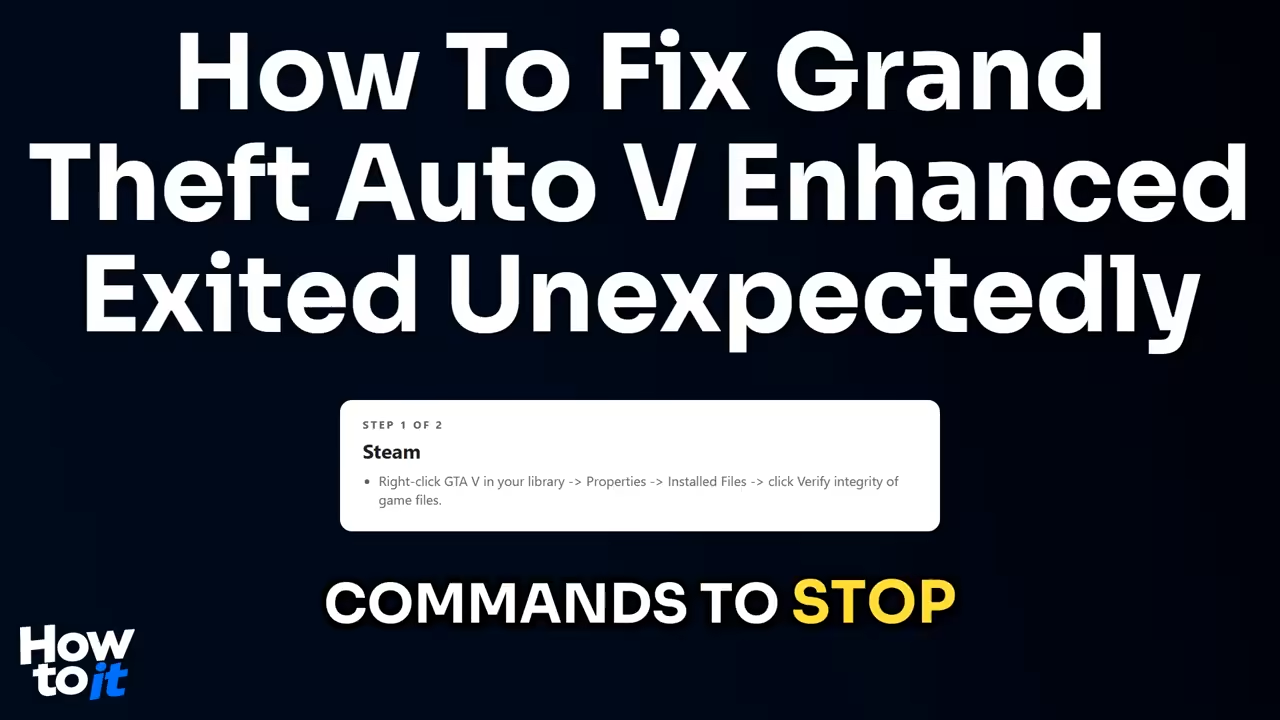
Steam, right-click GTAV in your library, properties, install files, click verify integrity of game files. Epic Games/Rockstar Launcher, use the built-in verify or repair option located in the game management dropdown.
Why GTA V Enhanced Crashes on Startup
Community Solutions for GTA V Enhanced Crashes
...
•○AnGeL4iK○•
Did this work for you?
Related topics: crash fixes, launch fixes