 Day One Fixes
SolvedHow-toUpdated
Forza Horizon 5 How to Sell Cars
Short answer
Once you get redirected to this section right here, navigate to the auction house on the left, open that up and now once you get right here, you can navigate to the right and select start auction. From this option that appears, select auction house and then choose start auction, so select that.
Quick Answer
Once you get redirected to this section right here, navigate to the auction house on the left, open that up and now once you get right here, you can navigate to the right and select start auction.
From this option that appears, select auction house and then choose start auction, so select that.
It says start auction, sell your cars here.
How to Navigate to the Auction House
You can do that by just pressing the escape button or the start button if you're playing on console. Then navigate over to cars at the top and when you get right here, select buy new and used cars.
On Xbox, simply press the button with the three lines.
If you're on PC, simply press the escape button.
From here, use the RB button or the LB button and go to the cars category. Now select buy new and used cars, and select that.
Then you'd be asked, do you want to first travel to the nearest festival site? Select yes, and then give it a few seconds.
So if we're here, I then hit the menu button, which is the one with the horizontal lines. And then once you're on this page, if you hit the RB button you'll go over to cars and then here it says buy new and used cars by upgrading customized cars. So it says do you want to fast travel to Horizon Festival Mexico?
You can see the the confusing thing here is first of all it's saying do you want to buy a car? But i want to sell a car! But here my friends is what you need.
This little hint. It says auction house, buy and sell used cars. All right, so we go into there and this is where you will do this.
How to List a Car for Sale
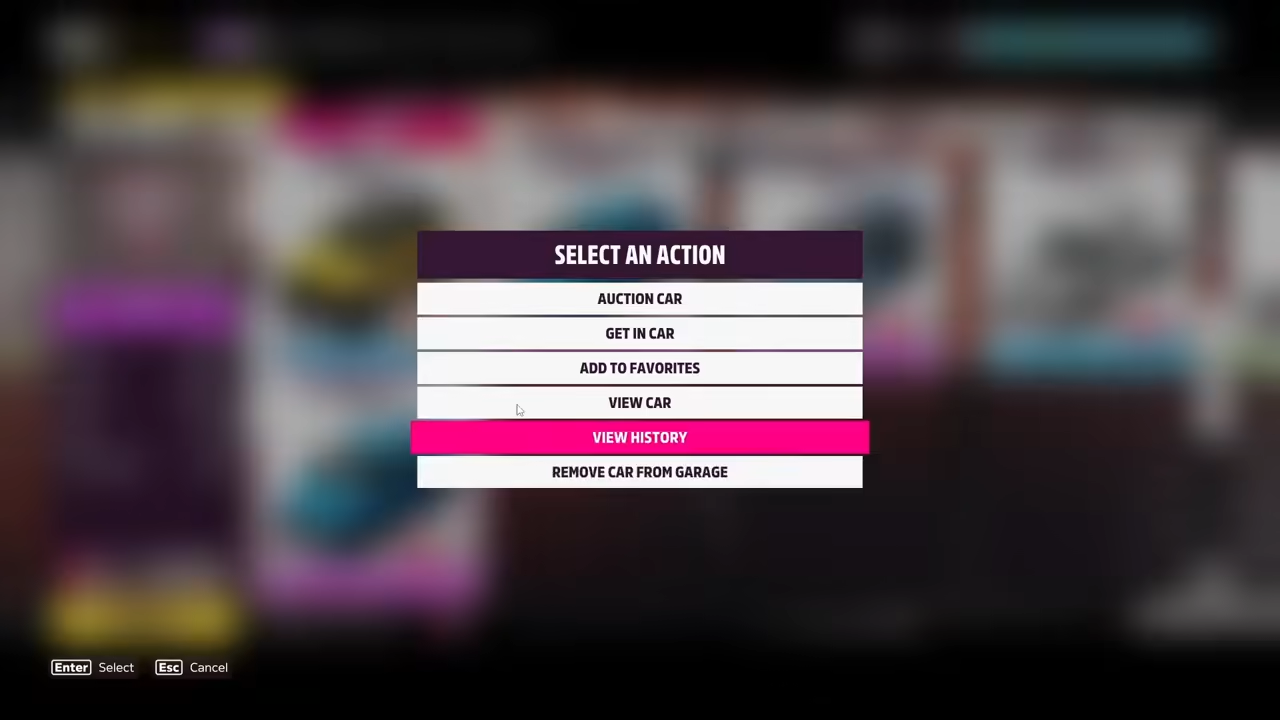
Then find the car that you want to sell. I select it, then I select it once again and right here at the top I get to select auction car. Right here we can adjust the price.
So for starting price, we can adjust it. But if he wants to buy it straight away, he will need to pay the buyout price, which you can edit on some cars, but on some you can't. Also, you will need to select the length of your auction.
So for example, let's list mine for an hour and then press confirm.
Now from here, find the car you'd like to sell. For me, let's say for example, if you want to sell this car, highlight on it and then select it.
From the manage that appears, select auction car and then give it a few seconds. Now you'll be given this section to create auction, so you can set the bid the starting price, so you can use the left analog stick to adjust it or to reduce it.
Select the starting price, and then select the buyout price; for mine, it is set to default. Now you can choose the auction length, so you can choose either 1 hour, 3 hours, 6 hours, 12 hours, or 24 hours.
Let's set 1 hour, then once you're done, select confirm.
So if you click there, then you will get a list of your current cars and it's here that you can sell stuff so there's my current car: the Chevrolet Corvette Stingray. So i've gone over to this one here and I'll select it with A and then it says what do you want to do? And in my case, I want to auction the car so i'm going to hit A to select and auction the car.
So the price you might have seen on the previous screen was 65,000 was what that car cost new. So it's going to say you're not going to get that and it will set a maximum buyout price. So it's saying you can have a maximum of 20,000 credits for the buyout price.
Or you can go to nineteen thousand if you want. So it'll give you some choices um and that's my only choices on this one so I'll set it to nineteen thousand and then i can set a start price for it of whatever i want. Let's go with that.
How to Check Your Active Auctions
Now I can go back and right here in this same menu, go over to my auctions and right here you should have your auction at the top.
Now you will find your, or sorry, not my bids, so go back, select my auctions, and from here now you can see your car and the number of bids and all that.
So i can do the same moving along all my other cars but I'm just going to back out because i don't want to waste your time too much um and if we have a little look down here there's this option here called my auction so if we have a little look in there. I have three cars up for auction at the minute and don't look like much is going on on any of them! So I could um adjust these auctions here but you can see start bid buy out blah blah and if any of these sell it should give me an update here.