
SolvedFixUpdated · 0 replies on Steam

Aviassembly Losing Money Bug: Why Your Funds Drop and How to Fix It

Short answer

The Aviassembly money loss is linked to loading and deleting saved blueprints and, in some cases, a save reverting to an older state. Back up your save, avoid load-then-delete on blueprints, and use post-game random quests to earn the money back.

Quick answer

  • The bug is not reliably reproducible, but players link it to saved blueprints. Loading a blueprint and deleting it can change your money up or down.
  • An older trigger (two cockpits deleted at the same time) has been tested and no longer happens.
  • Some players also saw the whole save revert: missions, tech and money went back to an earlier state.

How to avoid it

  1. Back up your save before big sessions by copying the game's save folder.
  2. Before loading a blueprint, note your money. If it changes after you delete a wrong plane, reload your last save instead of continuing.
  3. Don't load and delete blueprints back to back. Start a fresh build when you can.
  4. Fully exit the game after saving and let Steam Cloud finish syncing, especially if you play on more than one PC.

How to get the money back

  • After you finish the campaign, random quests unlock and pay out repeatedly, so you can grind back what you lost.
  • If tech re-locked after a revert, saved designs can show "not unlocked". Replay the missions to unlock them again.
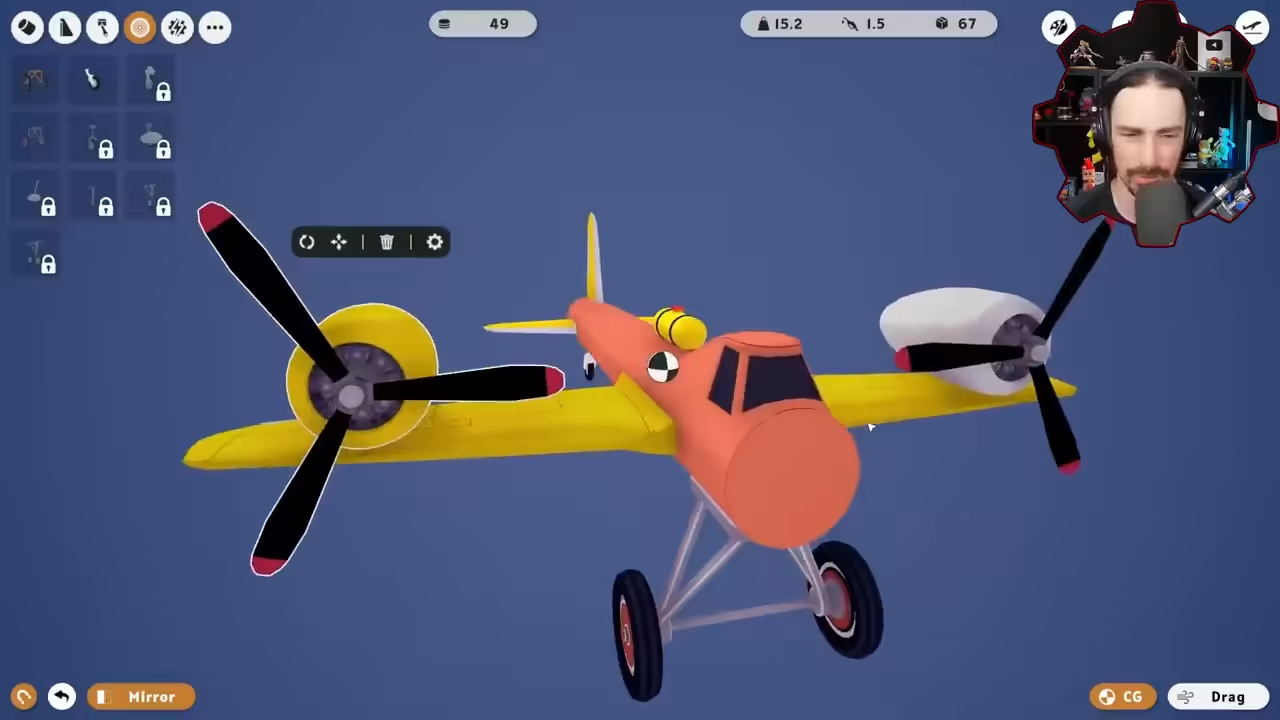
Aviassembly plane editor showing custom wing and fuselage building mechanics.

Report it

Post your money before and after, plus the blueprint you loaded, in the Steam bug thread or the official Discord.
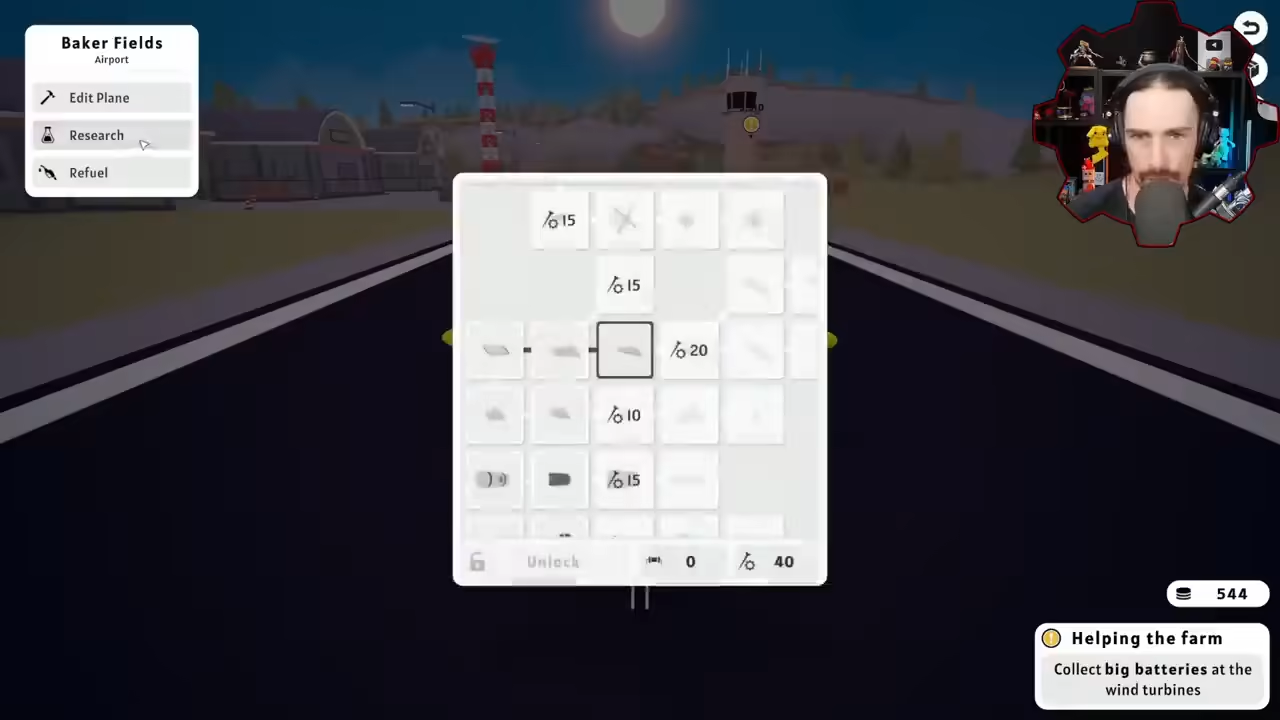
Aviassembly map and logistics screen for planning cargo delivery routes.

FAQ

Is it caused by two cockpits? Not anymore. That case was tested and fixed.
Can I lose campaign progress too? A few players reported a full revert, so keep backups.
Is there a fix patch? Not confirmed yet. Use the workarounds above.

Screenshots: Trying to Evolve the Perfect Cargo Plane is Hard Aviassembly

Based on the Steam Community guide. Read the full original guide on Steam.

Video guide

Did this work for you?

Source: original Steam Community discussion. Quotes are shortened; all credit goes to the posters.

Related topics: save fixes, quest fixes

Latest fixes for other games

All fixes →

Known issueFixWarhammer Survivors

Mangler Squigs Bugged?

Suggested fix (unconfirmed): Kite the second squig for a while with strong evolved weapons until it finally dies, and avoid invisible lingering hitboxes from mushroom clouds by staying away from them for a few seconds after the visual effect disappears.

Known issueFixWarhammer Survivors

The Game Is BROKEN

Suggested fix (unconfirmed): Reset your save file and restart the game to trigger the achievements and progress.

#save#achievement

Known issueFixWarhammer Survivors

WHS Biggest Attribute Is Its Biggest Issue, IMO

Suggested fix (unconfirmed): Apply a palette change or darken the follower models to make them less vibrant. Add an outline to the main player character to improve visibility.

SolvedHow-toWarhammer Survivors

Warhammer Survivors Tools Mod Guide: Skip Intro and Cheats

How to install WS Tools, a small BepInEx plugin for Warhammer Survivors: skips the warning and "press to start" screen, adds a native MODS tab to the pause menu, god mode, heal, +1 level, game speed, luck multiplier, always-max chests, boss spawn, FPS counter, map teleport and more. Step-by-step install, hotkeys and troubleshooting.

#crash#performance#steam-deck#controller

SolvedHow-toMelvor Idle 2: A RuneScape Adventure

Melvor Idle 2: A RuneScape Adventure - Guide to Defence, Sacrificial Anvil, Seeds, Leather

Melvor Idle 2: A RuneScape Adventure is an idle game where players begin fresh with character creation, start gathering resources like woodcutting, and progress by unlocking activities such as fishing and mining. The game features an updated user interface and improved art style compared to the first title.

#save

SolvedHow-toMelvor Idle 2: A RuneScape Adventure

Melvor Idle 2: A RuneScape Adventure Ranching Animals Dying Guide

Players report that animal death in ranching is an intentional game feature and balancing tool to prevent infinite passive income. Players note there is currently no buff available to extend animal lifespans or prevent them from dying.

#crash#quest